23
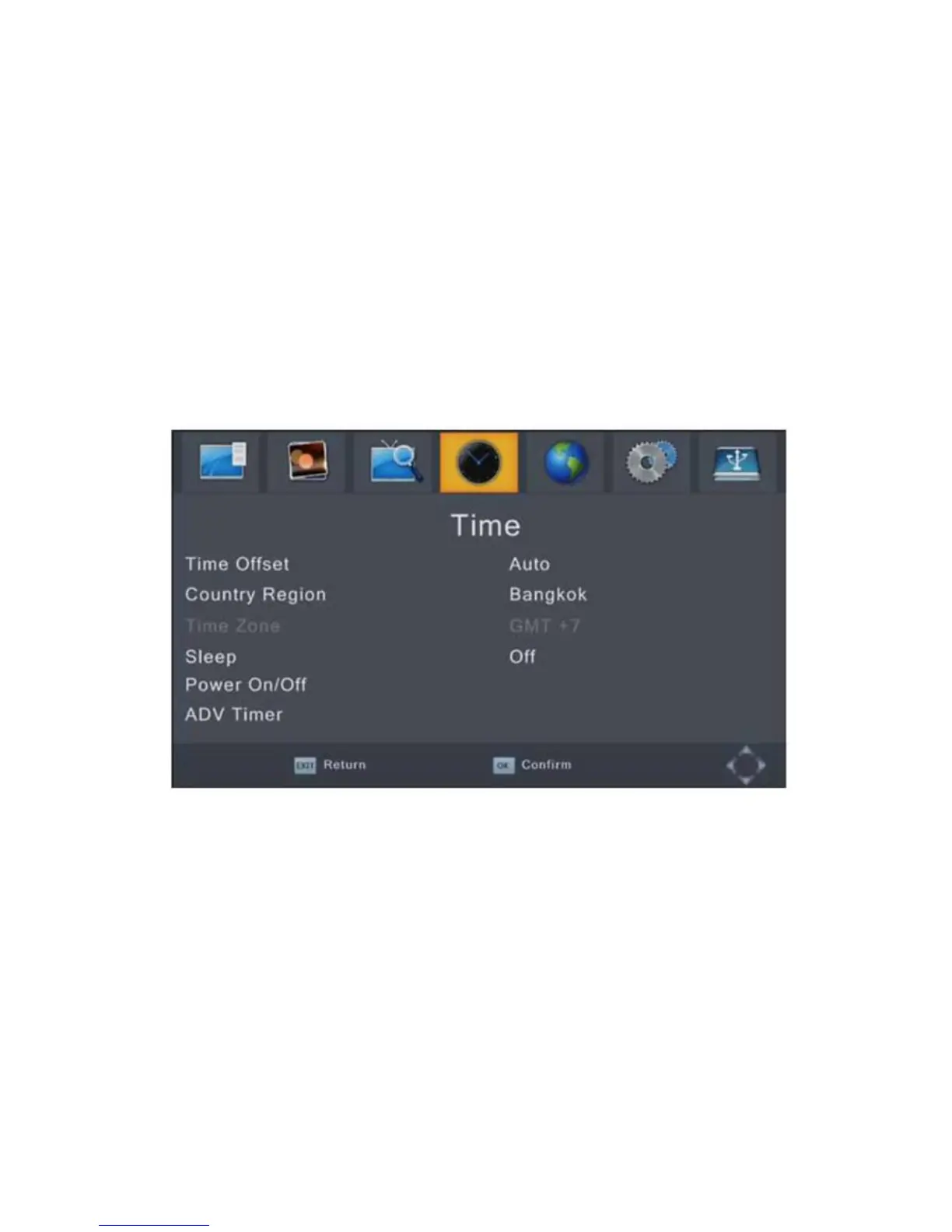
Time Setting
To access the menu, press MENU then select [Time] using the
RIGHT/LEFT keys. The menu provides options to adjust the
time settings.
Press UP/DOWN to select an option and press RIGHT/LEFT to
adjust the settings, press EXIT to exit the menu.
Time offset
Select auto or manual for GMT offset adjustments.
Country Region
Select the Country Region when [Time Offset] is set to Auto.
Time Zone
Select the Time Zone Offset when [TimeOffset] is set to Manual
Sleep
Set Auto Stanby Timer.
[Off], [1 Hour], [2 Hour], [3 Hour], [4 Hour], [5 Hour], [6 Hour],
[7 Hour], [8 Hour], [9 Hour], [10 Hour], [11 Hour], [12 Hour]



 To Next Page