30
Note:
- We cannot guarantee compatibility (operation and/or bus
power) with all USB mass storage devices and assume no
responsibility for any loss of data that may occur when
connected to this unit.
- With large amounts of data, it may take longer for the system
to read the contents of a USB device.
- Some USB devices may not be properly recognized.
- Even when they are in a supported format, some files may not
play or display depending on the content.
Timeshift
When you are playing the program, you can insert the USB, and
at any time you can press the [Time shift] button, the frame will
be paused, and you may press the [PLAY] button after a second,
it will start to Timeshift now.
You may press the PLAY button to return the normal program
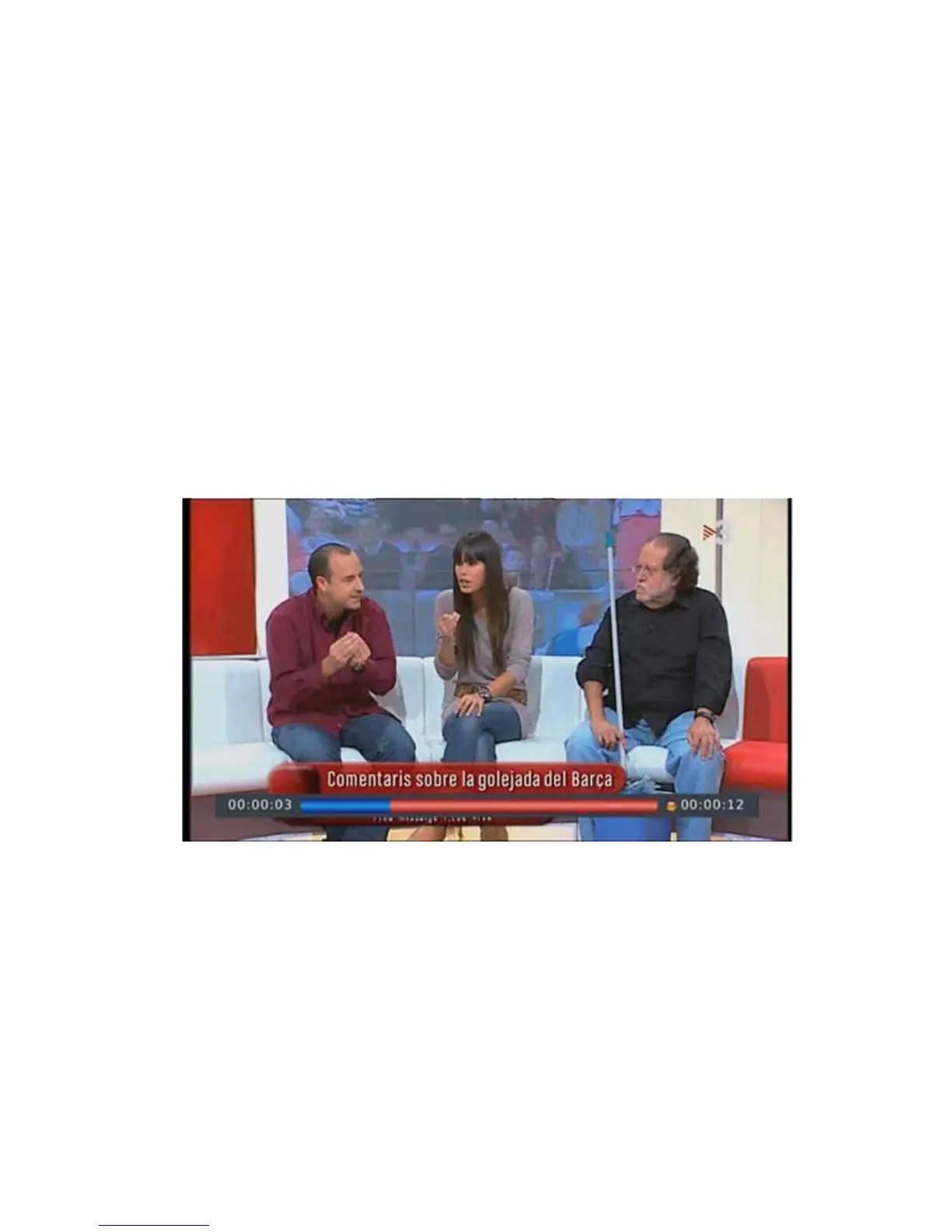
playing, and the Timeshift is continuing, you may see from the
below picture's bottom which is showing the time shift status. In
this case, you may make the unit to play the recorded program
from the start.
Press [Info] key to see time shift information as below:


 To Next Page