24
Screen Maintenance
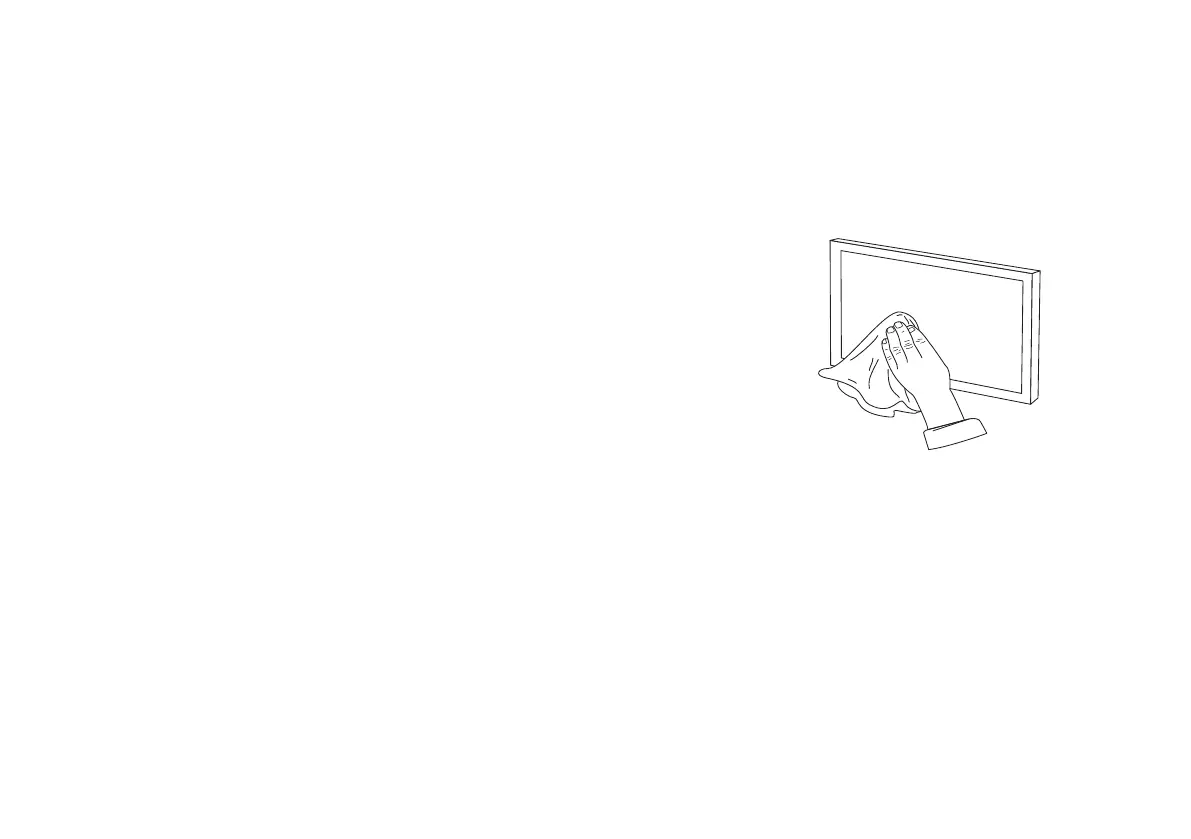
Cleaning requirements:
1. It can be cleaned with soft water;
2. Please use a clean cotton cloth or soft dust brush to remove dust particles on the screen;
3. Due to the weather, especially the humidity;The screen surface may be wrinkled,it is a normal situation; it can return to
normal under normal temperature, and can be relieved by heating with a hair dryer.
Warning!
-Do not scribble on the screen.
-Do not touch the screen directly by hand.
-Do not touch the screen with hard or sharp objects.
-Do not clean the screen persistently or vigorously, so as to avoid screen scratch.
-Be sure to turn off the screen when you are not using the product.
-This product is not waterproof, only suitable for indoor use, not recommended for outdoor use.
-Avoid sharp objects directly contacting the screen surface, so as to avoid puncturing or scratching the screen surface.
-Do not run the screen up and down for more than 3 minutes, otherwise the screen will stop running. This is the phenomenon of
motor overheating protection shutdown. Please wait 20-30 minutes for the motor to cool down before continuing operation.
-To avoid possible injury, do not attempt to remove the screen. If there are obvious damaged parts, please contact your
authorized dealer.
-Do not use acetone, benzene, alcohol and other organic solvents to clean the screen, which will cause permanent damage to the
screen.



 To Next Page