8
VDE
安规认证
德国
D
V
E
*The right to interpret the above certification belongs to our company
Certificate
REA CH
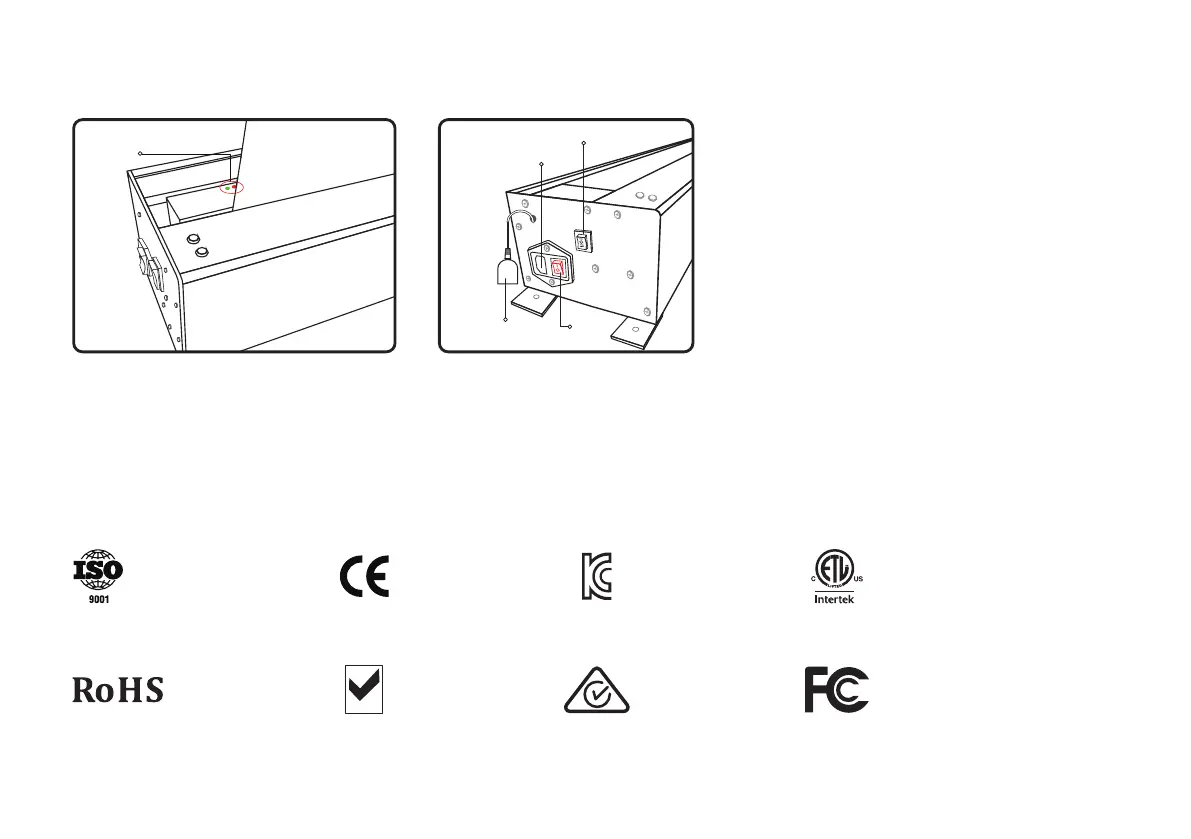
Pilot lamp
- In the left picture (picture 1), when the red light is on, it is
working normally. If the red light or the green light is
flashing, it is the code matching and abnormal situation,
please contact the after-sales support.
- In the left picture (picture 2), make sure that the power
cord plug is inserted into the product socket. After turning
on the red power switch, the red light is on to indicate the
power-on state; when the power switch is turned off and
the red light is off, it is the poweroff state;
(Picture 1)
IR receiver
Power cord socket
Power Switch
Screen manual switch
(Picture 2)
Pilot lamp
Power lamp, make the following prompts
for the working status:



 To Next Page