18
PROGRAMMING YOUR VEHICLE
The programming process takes only a few minutes to install the tuning into the
vehicle. Please make sure all other power consuming devices such as the vehicles stero,
blower motor, accessories using the cigarette lighter or power plugs, and dome light are
turned off and any additional items that require vehicle batter power to operate aside from
the engine computer. i.e. GPS, Radar Detextor, Sirrus Radio, ect. Connect the LINQ
to the OBDII port of the vehicle, DO NOT connect the LINQ to the cigarette lighter.
NOTE: If the Linq does not power up when connected to the OBDII port, check
the vehicle’s cigarette lighter fuse. Look in your vehicle’s owner’s manual for the
location of this fuse.
* Warm-up vehicle prior to use in cold weather then switch
ignition OFF to start tuning.
* Do NOT start vehicle during tuning process.
* Do NOT leave device unattended while tuning.
* Stay with the vehicle as you will be prompted to turn the ignition
switch ON/OFF a number of times depending on vehicle.
Once in the tuning feature you will be prompted to select either a Quick Tune or
an Advanced Tune. The Quick tune provides the user with predetermined
Superchips optimized tuning levels. The Advanced Tune provides the user with the
opportunity to not only tune the performance of the vehicle but also a number of
drivetrain features depending upon the specifi c vehicle. Features such as transmission
shift point and fi rmness tuning, increases to the speed and rev limiters, Speedometer
corrections for tire and gear swaps, and much more...
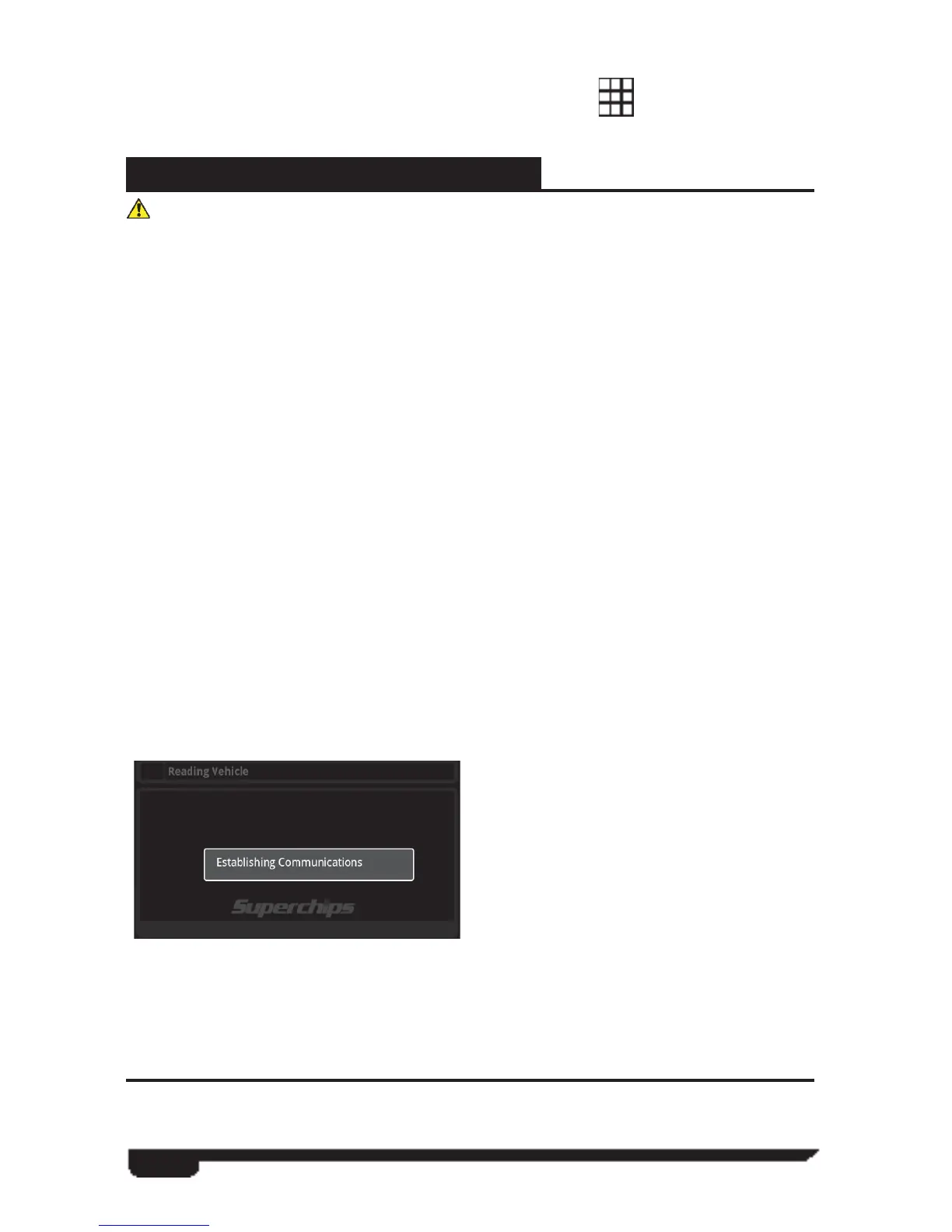
Select the VIVID icon located on the
Android desktop to gain access to the
VIVID program. A stock vehicle PCM
memory read will be performed.
Verify the Bluetooth signal to the VIVID
LINQ has been achieved by checking that
the LED lights are powered on the VIVID
LINQ itself.
Next, select the “Tuning” icon to begin tuning your vehicle. You will be prompted
with two tuning options: Quick Tuning using Superchips-preferred vehicle settings or
Advanced Tuning with user adjustable vehicle settings.
**In the Large Icon environment, users can press the center icon and swipe left or
right to view additional icons.
Users can switch between views by touching the Grid Icon
at the upper left portion
of the screen.
QUICK TUNING
This feature provides the user with predetermined Superchips optimized tuning levels.



 To Next Page