35
INCLINOMETER
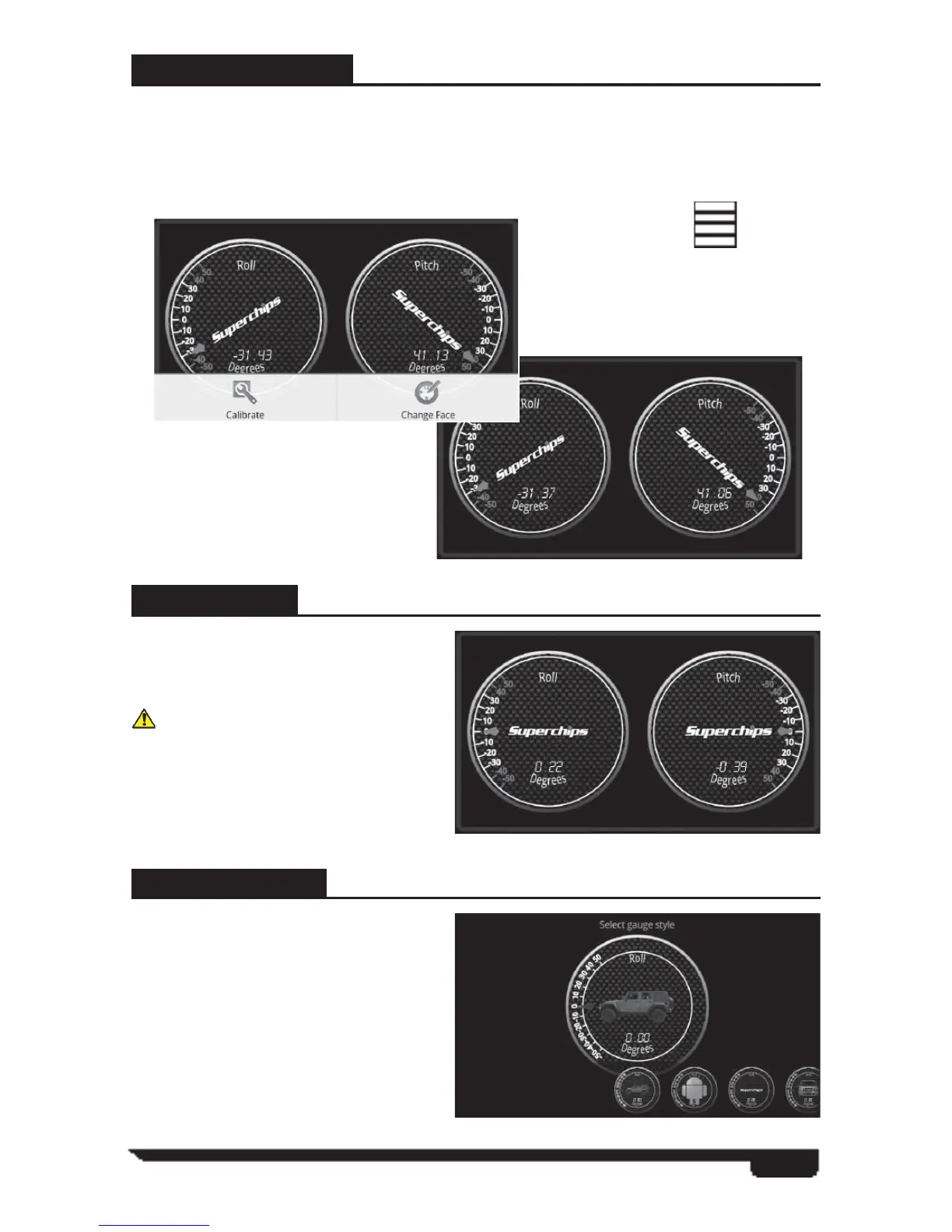
The Inclinometer feature allows users to view negative and positive vehicle pitch and
roll by degrees.
This feature is useful for a number for general off road applications. By selecting the
Menu Icon you will be prompted with the following options:
CALIBRATE
This feature set’s the gauges current
position to zero to make sure the
gauges are accurate at the time of use.
Use this option once the VIVID
is mounted to the windshield and the
vehicle is on fl at land.
CHANGE FACE
This feature provides you with a large
group of additional gauge images. You
can touch and hold the smaller images
at the bottom of the screen to scroll
through all of the image selections.
When you fi nd a gauge image you
would like to add you will touch and
hold down on the large image to move
into the following options:
Menu Icon



 To Next Page