25
PERFORMANCE METER
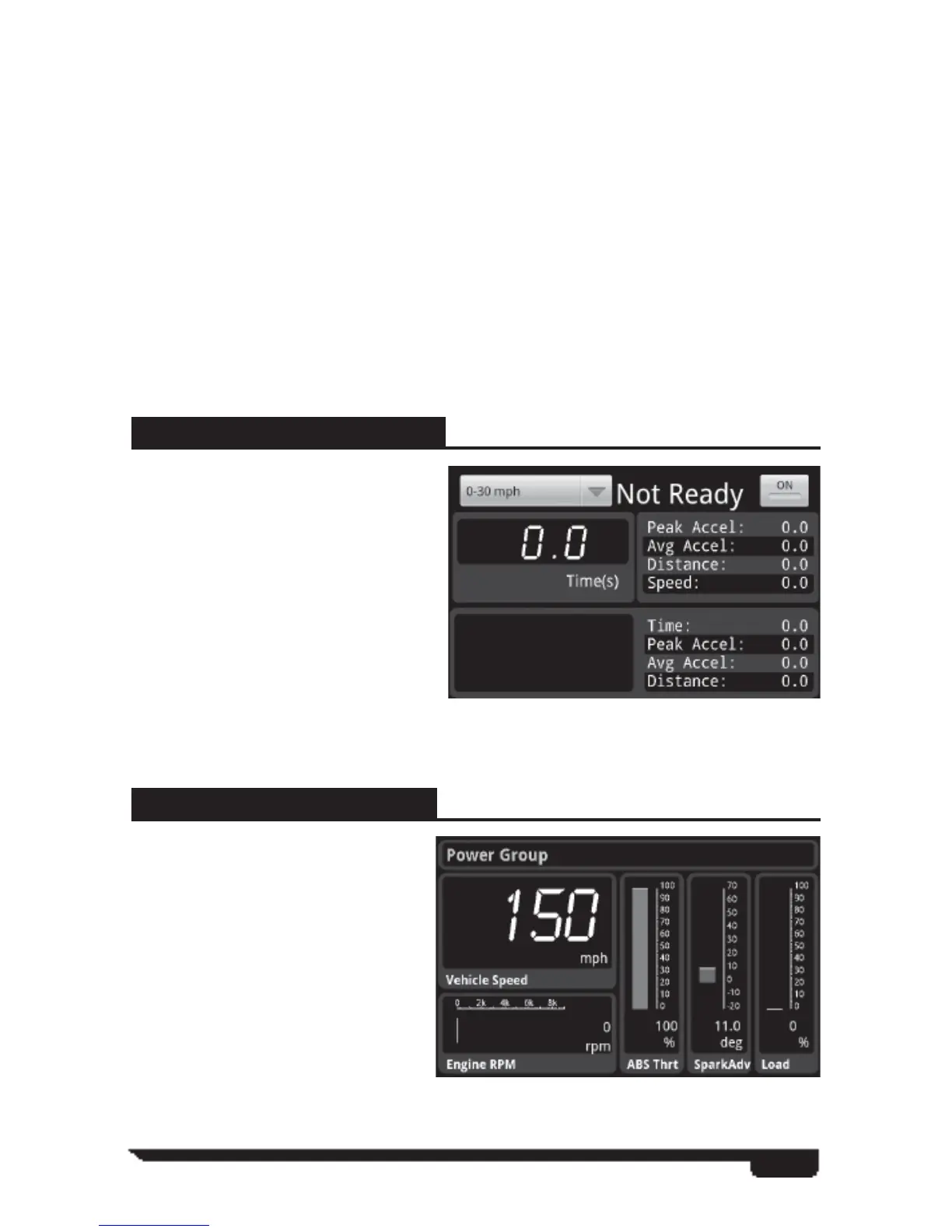
This feature allows you to record
up to 10 driving instances where
you can select recording options
such as 0-30, 0-60, 0-100, ¼
mile, ½ mile, and 1 mile data.
Stat bars provide stats for each run
saved that the user can scroll through
at will.
To start recording, you must fi rst
select one of the options from the
drop down menu. Once the Driver is
at a complete stop and ready to record, hit the ON button to begin the run.
Recent PID’s
Shows recent PID’s viewed.
All PID’s
Details all PID’s specifi c to the vehicle being monitored.
Gauge Size
Provides you with the following size selections (Small, Medium, Large and fi t
to screen)
Delete Gauge
This feature removes a customized gauge from view.
Data Acquisition (DAQ)
The Data Acquisition feature allows you to monitor real time sensor data from your
vehicle’s engine while it’s running.
POWER GROUP (Default)
This feature allows you to monitor
vehicle data. You may change
monitored information by pressing
and holding a graph. You will then
be taken to a PID selection menu
like in Gauges.



 To Next Page