21
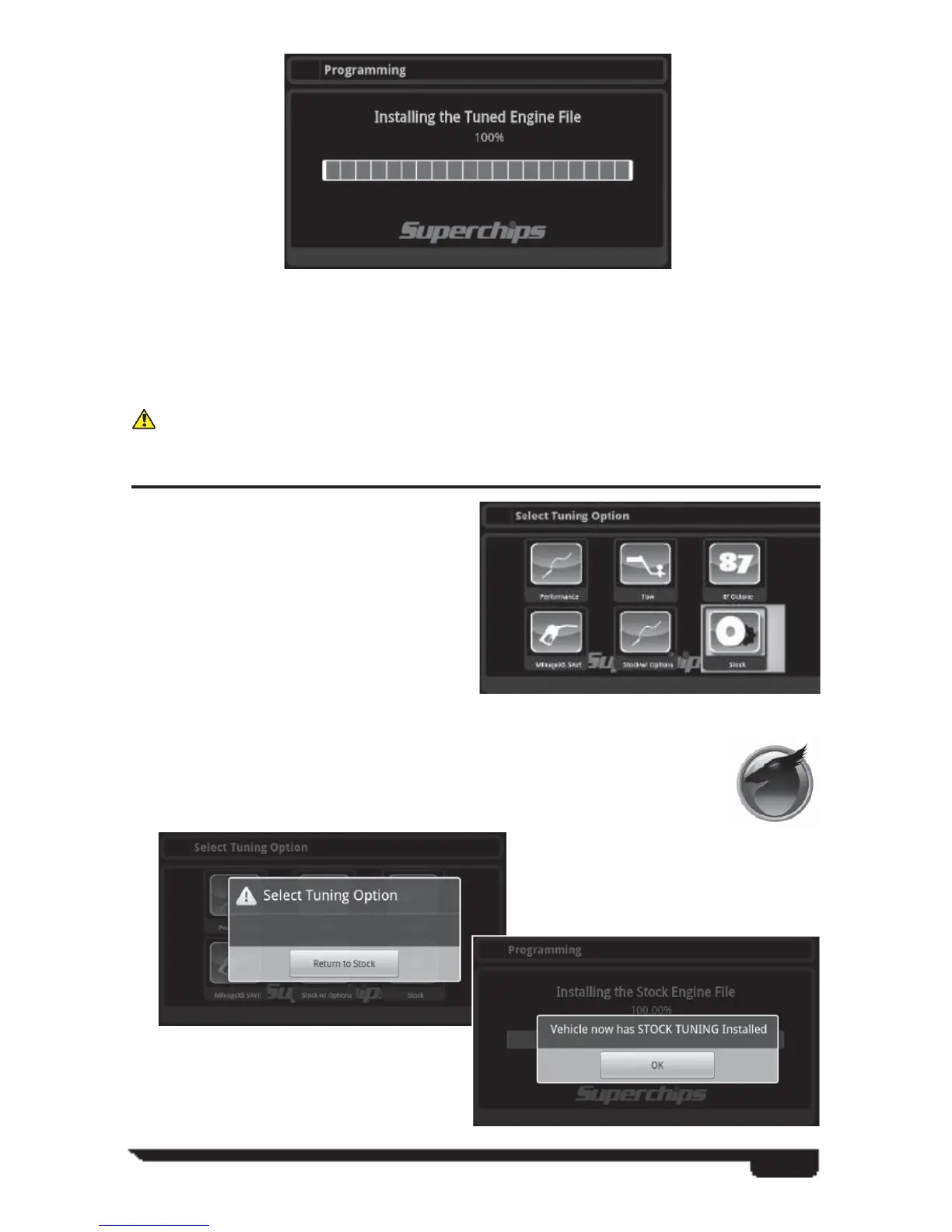
Several bars detailing programming percentages as the VIVID installs the fi les into the
vehicles computers.
At this point the VIVID has completed its engine and transmission programming.
You will now be allowed to explore the additional VIVID options in the app.
When asked to move the key forward do not start the vehicle.
SWITCHING TUNING LEVELS OR RETURNING TO STOCK
The diversity of the Superchips VIVID
programmer allows the user the ability
to change tuning levels and settings as
often as they see fi t. For instance, the user
might tow during the week but not on the
weekend. The user simply connects to
the tuning software portion of the VIVID
app. and re-tunes the vehicle to the chosen
tuning level the same way as described
in the, Programming Your Vehicle,
segment of this manual.
Once the vehicle has been tuned by the VIVID, a Stock Tuning Option
becomes available. Simply click on the VIVID tuning icon and search for
the Stock Icon in the li
st of tuning levels:
Follow the prompts
and your vehicle will
be returned to stock:
Your vehicle is now
returned to its original
stock programming.



 To Next Page