Setup
Vivint Element CT200 Installation Guide
You must connect the Thermostat to a Z-Wave network.
This unit cannot operate without a network connection.
Connecting the Thermostat to a Z-Wave
®
Network
The Vivint Element Thermostat is a Z-Wave® compliant thermostat.
It has an onboard radio that can be connected to an existing
Z-Wave® network. This device can be used on a network with
products from dierent vendors.
1. Set your primary controller to INCLUDE mode to add the
thermostat as a node on your network (see your specic
controller’s User Manual for detailed instructions).
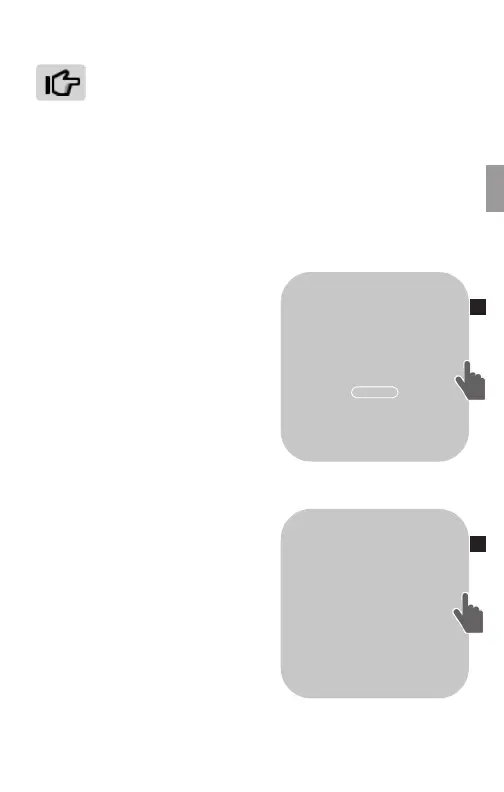
2. The Thermostat main screen
shows a welcome message. Press
the SIDE button to continue.
3. When your primary controller
is ready to connect to the
Thermostat, press the SIDE
button to connect. This initiates
the network connection process.
The Thermostat’s screen says
“Connecting.”
• If the connection fails, the
screen says “Connection failed.”
Press the SIDE button to try connecting again.
5. When the Thermostat has
successfully joined a Z-Wave
network, the screen displays the
message “Connected! Complete
your setup on the VIVINT panel.”
Press the SIDE button to continue.
6. The Thermostat displays the
Home screen, with the device
status of “OFF” and the current
room temperature. You can now
congure the thermostat to work
with your system.
Your primary controller indicates that the thermostat was
successfully added to its network (see your specic controller’s User
Manual for details).
70
OFF
OK
HELLO.
SET UP YOUR
ELEMENT
THERMOSTAT
THROUGH THE
VIVINT PANEL
2
6
15



 To Next Page