Setup
3
Vivint Element CT200 Installation Guide
Test Installation
If you have a heat pump, leave the Thermostat in O mode
for 4 (four) minutes before checking Cool.
Do not operate AC if the outside temp is below 65°F.
To Check Heat
The heating and cooling tests
run for up to 30 minutes.You
can stop a test at any time
by selecting the arrow and
pressing the SIDE button.
1. From the Thermostat’s Home
screen, press and hold the
SIDE button for 3 seconds.
The Settings menu opens.
2. Highlight Installer, then press
the SIDE button. The Install
Settings menu opens.
3. Highlight Testing, then press
the SIDE button. The Testing
menu opens.
4. Highlight Heating, then press
the SIDE button. The Heat
Test menu opens.
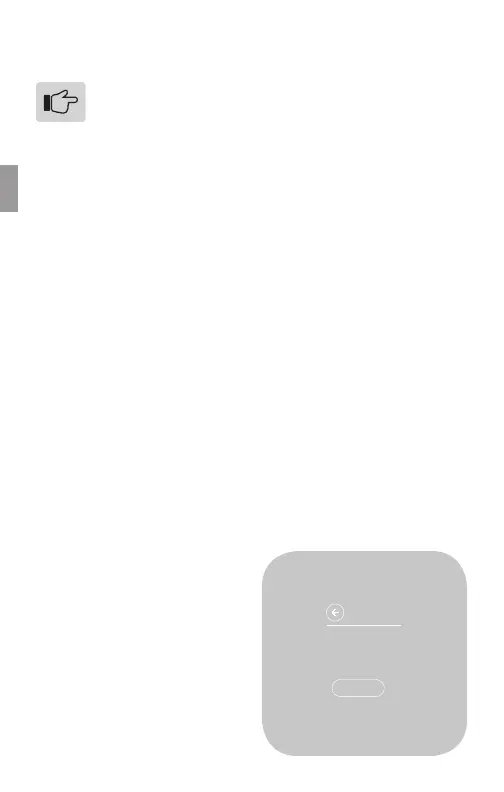
5. Highlight START, then press
the SIDE button. The Ther-
mostat screen displays the
following:
• HEAT TIME: how long the
test has been running in
minutes and seconds
• ACTIVE: the wires the
system is using to com-
municate with the heating
system (example: W, G)
• CHANGE: the amount
of temperature change
caused during the test
(example: +3.4°)
6. Wait for the test to end, or
highlight the back arrow
and press the SIDE button.
A test of a successfully
functioning heating system will
show a rise in the temperature,
as well as the proper wires
indicated as being active. If the
temperature appears to drop, or
the wrong wires are indicated as
being active, the test indicates
a problem with the Thermostat
installation. Check the wire
connections and run the heating
test again.
HEAT TEST
STOP
HEAT TIME: 18:24
ACTIVE: W, G
CHANGE: +3.4°
20



 To Next Page