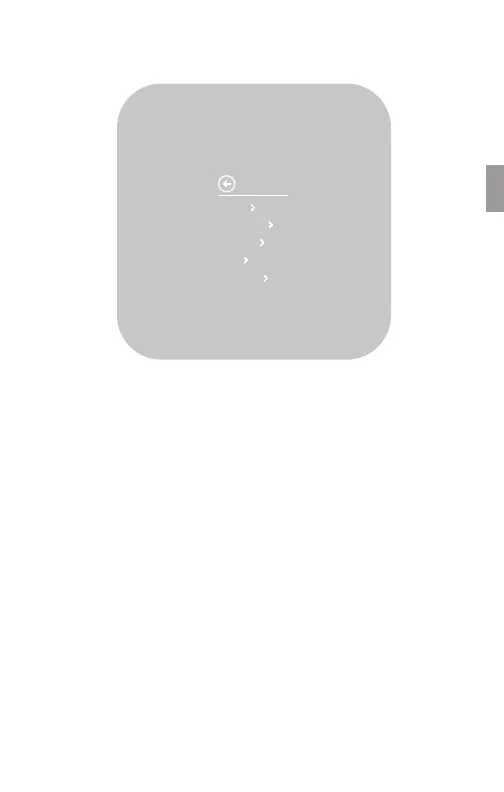
Setup
Vivint Element CT200 Installation Guide
Units
Humidity
Display
Info
Installer
SETTINGS
Navigating the Vivint Element Screens
• Use the UP and DOWN buttons to move the cursor on the screen.
• Use the SIDE button to make a selection or scroll through options.
• To go back to a previous screen, highlight the arrow at the top of
the screen and press the SIDE button.
• After conguring these settings, on the Home screen, press the
side button to turn the system on. Press the side button repeatedly
to cycle through modes.
To return to the Home screen:
• Use the arrow (multiple presses)
• Press and hold the SIDE button for one (1) second
• Wait 10 seconds for the device to sleep, then press any button to
wake it again.
17



 To Next Page