EasyManua.ls Logo

Vivitar 35ES - Self-Timer; Removing the Film

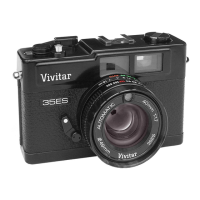
Vivitar 35ES
54 pages
Print Icon
To Next Page IconTo Next Page
To Previous Page IconTo Previous Page
Loading...
il$i
Refer
to
your
flash
unit's Owner's Manual
for the
"Manual"
Guide Number
indicated for
the
DIN
/ASA
rating
of
the
film
being
used
'i'':
Select
the Guide Number
on the
camera's Guide
Number
Chart
q1)
that is
numerically
closest
to the Guide Number
of
your
f lash
un it
.,,'
r
Align
the
selected Guide Number
(or
Indicator
Mark)
on the
Auto/Flashmatic
Ring with
the
red,
Shutter
Speed/Auto
Index
Line Your
camera is now
programmed
for
the
proper
Flashmatic
operating range
of
your
flash
unit.
As
you
focus,
the System will automatically
adlust
to the
correct
f-stop
ffim$$*Ygmmr
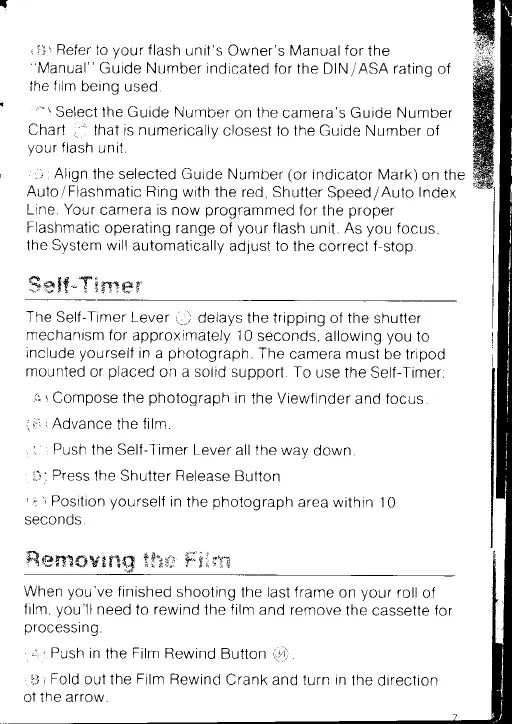
The
Self-Timer Lever
g)
delays
the tripping of the
shutter
mechanism
for approximately
10
seconds, allowing
you
to
include
yourself
in
a
photograph
The
camera must
be tripod
mounted
or
placed
on a
solid support. To
use the
Self-Timer:
,'$ r
Compose
the
photograph
in
the
Viewf
inder
and focus
41ii
r
Advance
the
f ilm
;
l I
Push
the Self-Timer Lever
all the way
down
rr"it
Press
the
Shutter
Release
Button
ri:
r
Position
yourself
in
the
photograph
area within 10
seconds
ffi
rysffi
ffiws ram
$$'x Fj$
*
sr.r
When
you've
finished
shooting
the
last
frame
on
your
roll
of
film,
you'll
need
to
rewind
the
film
and
remove
the
cassette for
processing.
,
*''
Push
in
the
Film Rewind
Button
q+)
i!:i
i
Fold
out the
Film
Rewind
Crank and
turn in
the
direction
of the
arrow.

Related product manuals