EasyManua.ls Logo

Vivitar 35ES - Set the Film Speed

Vivitar 35ES
54 pages
Print Icon
To Next Page IconTo Next Page
To Previous Page IconTo Previous Page
Loading...
,,i'l
l
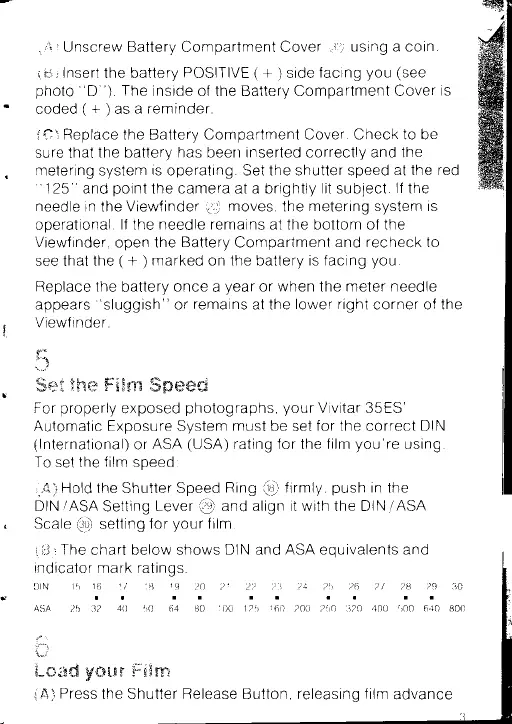
Unscrew
Battery
Compartment Cover
Q)
using
a
coin
rnir
Insert
the
battery
POSITIVE
(
+
)
side
facing
you
(see
photo
"D!')
The
inside
of the
Battery
Compartment
Cover
is
coded(+)asareminder
ifil
Replace
the
Battery
Compartment
Cover Check to be
sure that
the battery
has
been
inserted
correctly
and the
metering system is operating. Set the shutter speed
at the
red
"
125" and
point
the camera at a brightly
lit
sublect
lf
the
needle in
the
Viewf inder
gt
moves,
the
metering system is
operational
lf
the
needle remains at the bottom of the
Viewf inder,
open
the
Battery
Compartment
and
recheck
to
see that the
(
+
)
marked on the battery
is facing
you
Replace
the battery
once
a
year
or
when
the
meter needle
appears
"sluggish"
or
remains
at the
lower right
corner of the
Viewf
in
de
r
F
;,)
S*s
$fxm ffix$x'vx
ffipwmml
For
properly
exposed
photographs,
your
Vivitar
35ES'
Automatic
Exposure System
must
be set
for the
correct
DIN
(lnternational)
or
ASA
(USA)
rating for
the
f ilm
you're
using
To
set the
film
soeed:
i"&i
Hold
the Shutter Speed
Ring
@
firmly,
push
in
the
DIN/ASA
Setting
Lever
@
and align
it with the DIN/ASA
Scale
Q)
setting
for
your
film
i Lt I
The
chart below shows
DIN and
ASA
eouivalents and
indicator mark ratings
DIN
15
16
17 18 19
20 21
aall
ASA
?,5 3?
40
50 64 80
100
tu
ilm,msi
yfl$F""un
$;s$nt
W
2?
I
25
23 ?4
25 26 27
ttt
1
60
200 250 320
400
29 30
I
640 800
I
A)
Press
the
Shutter Release
Button,
releasinq
f ilm
advance

Related product manuals