EasyManua.ls Logo

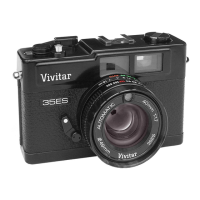
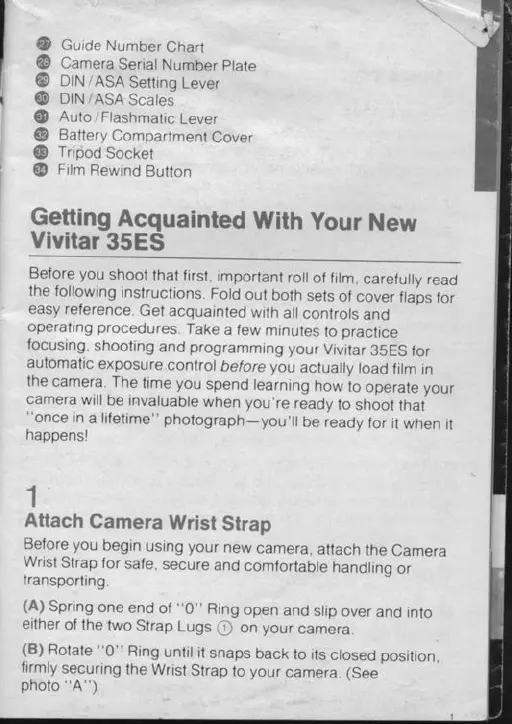
Vivitar 35ES - DIN;ASA Setting Lever; DIN;ASA Scales; Battery Compartment Cover; Film Rewind Button

Vivitar 35ES
54 pages
Print Icon
To Next Page IconTo Next Page
To Previous Page IconTo Previous Page
Loading...
@
Gurde
Number
Chart
@
Camera
Seriat
Number
ptate
@
OltrtrASA
Settino
Lever
@
otru
tASA
Scates"
@
Auto
tFlashmatic
Lever
@
Battery
Compartment
Cover
@
Tripod
Socket
@
Film
Rewind
Button
Getting
Acquainted
With
your
New
Vivitar
35ES
Before you
shoot
that first,
important
roil
of firm,
carefuily
read
the following
instructions.
Fold
out
both
sets
of
cover
flaos
for
easy
reference.
Get
acquainted
with
all
controls
and
operating
procedures.
Take
a
few
minutes
to
practice
focusing,
shooting
and
programmrng
your
Vivitar
35ES
for
automatic
exposure
contror
before
you
actuaily
road
firm
in
the
camera.
The
time you
spend
learning
now
io
operate your
camera
will
be invaluable
when you're
ready
to
shoot
that
"once
in
a
lifetime"
photograph-you'il
be ready
for
it
when
it
happensl
1
Attach
Camera
Wrist
Strap
Before
you
begin
using
your
new
camera,
attach
the
Camera
Wrist
Strap
for
safe,
secure
and
comfortable
handlino
or
transporting
(A)
Spring
one
end
of
"0"
Ring
open
and
srrp
over
and
into
either
of the
lwo
Strap
Lugs
O
on
your
camera.
(B)
Rotate
''0"
Ring
untit
it
snaps
back
to
its
ctosed
position,
firmly
securing
the
Wrist
Strap
to
your
camera. (See
photo
"A")

Related product manuals