EasyManua.ls Logo

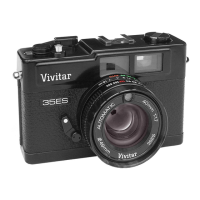
Vivitar 35ES - Load your Film; Set the Automatic Exposure System; Shutter Speed Selection

Vivitar 35ES
54 pages
Print Icon
To Next Page IconTo Next Page
To Previous Page IconTo Previous Page
Loading...
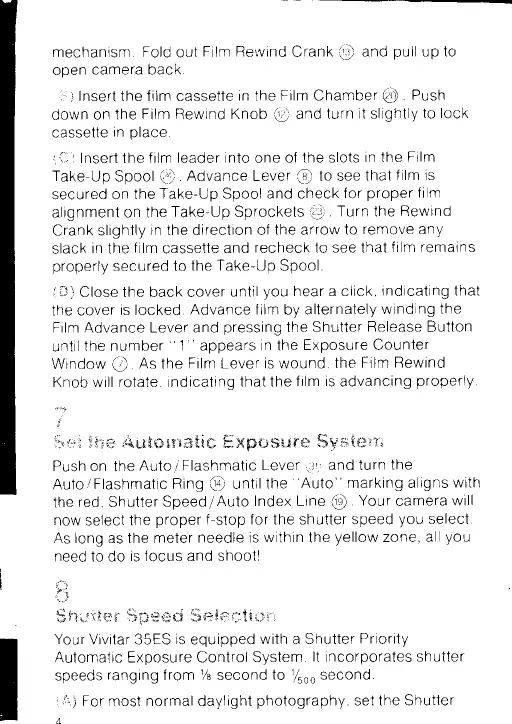
mechanism
Fold
out
Film
Reivind
Crank
@
and
pull
up
to
open
camera
back
,i:' l
Insert
the
film
cassette
in
the
Film
Chamber
@
.
Push
down on
the
Film Rewind
Knob
@
and turn
it
slightly
to lock
cassette
in
place
I
i-
I
Insert the
f ilm leader
into
one
of
the
slots
in
the Film
Take-Up Spool
@
Advance Lever
@
to see
that
f ilm
is
secured on
the
Take-Up Spool
and
check
for
proper
f tlm
alignment on
the
Take-Up Sprockets
@
Turn the
Rewind
Crank
slightly
in the direction
of
the arrow
to
remove any
slack
in the
film
cassette
and
recheck to see that
ftlm
remains
properly
secured
to the
Take-Up Spool
it-l)
Close
the
back
cover
until
you
hear a click
indicating
that
the
cover
is
locked.
Advance
f tlm
by
alternately
winding
the
Film Advance
Lever and
pressrng
the Shutter
Release Button
until
the number
"
1
"
appears
in
the
Exposure
Counter
Window
@
As
the
Film Lever
is wound,
the
Film
Rewind
Knob
will
rotate, indicating
that
the
film is
advancing
properly
t
rr
w,
pq
{,x
g$;p
$ T1 ffi * *
m
ffi H
ffi
{J
s$
$-J
$"#
fri
v
"s'
t
g*
qY
r
Push on the
Auto
/
Flashmatic
Lever
,Q,
and turn
the
Auto
/
Flashmatic
Ring
@
until
the
"Auto"
marking
aligns
with
the
red,
Shutter
Speed
/Auto
lndex Line
@
Your
camera
will
now select the
proper
f-stop
for the shutter
speed
you
select.
As long as the
meter
needle is
within
the
yellow
zone, all
you
need
to
do
is focus and
shoot!
1:"iri
$-"i
it"...,f
$
$"4
L,c
:{{r*
*"
;:i$
ffi
.**c.$
S
**
fr
t**t
g
*
r'r
Your
Vivitar 35ES
is
equipped
with a Shutter
Priority
Automatrc Exposure Control System
lt
incorporates
shutter
speeds
ranging
f
rom
7a
secofi
d
to
lfroo
second.
{.rt
i
For most
norrnal
daylight
photography,
set the Shutter
'""?
,{
l:*',fii

Related product manuals