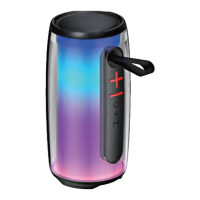
Charging Your Speaker
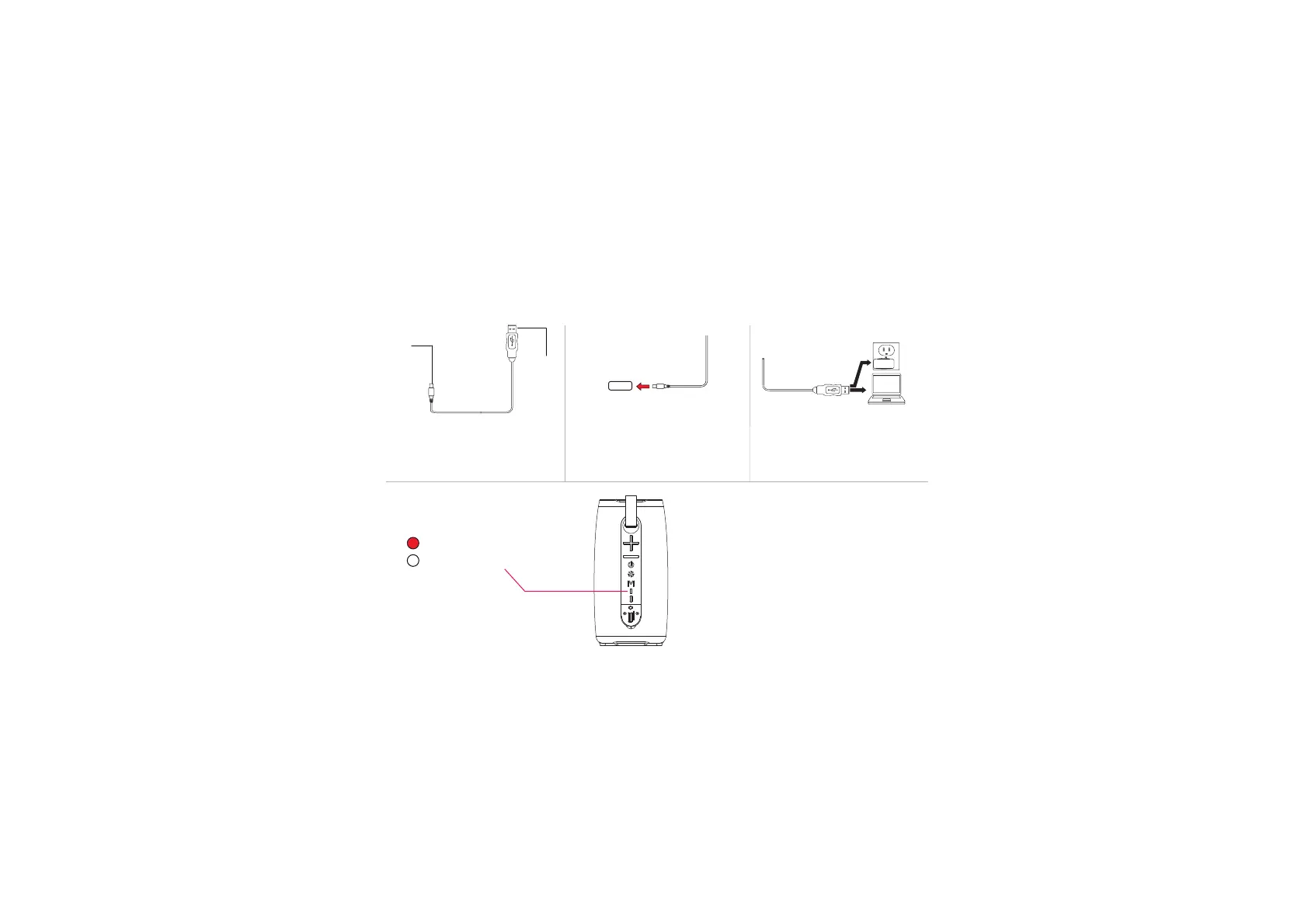
1. The included USB charging cable
has a USB-C plug and a standard
USB plug.
3. Insert the USB charging cable’s
standard USB plug into the USB
ports of a computer or suitable
USB charging adapter.
USB-C
Plug
USB
Plug
(Red) = Charging
(off) = Charging Complete
4. The LED indicator light turns red
while the speaker is charging.
It turns off once charging is complete.
DC 5V
2.Insert the USB-C end of the
included charging cable into the
charging port on your speaker.


 To Next Page