Using Your Speaker
-
+
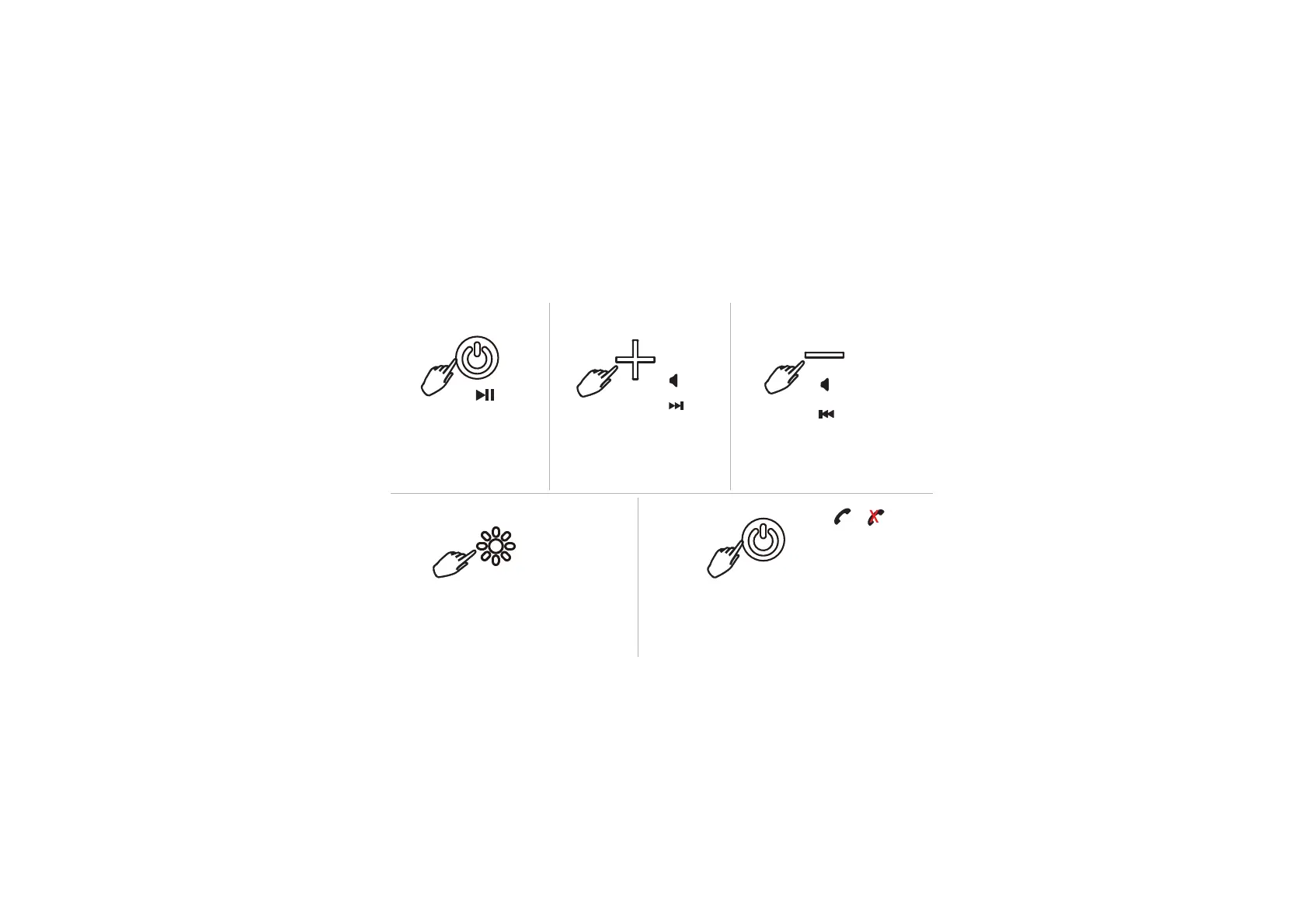
Press the power button to play
or pause a track.
answer/end/reject call
Press the + button to skip to the next
track in a playlist. Press and hold the
+ button to increase volume.
press
press
press
press & hold
press & hold
Press the - button to go back to the
last track in a playlist. Press and hold
the - button to decrease volume.
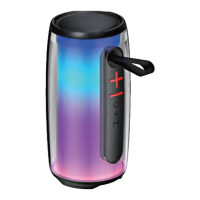
Press the light button to switch different light
modes. Press and hold the light button to turn
off the LED light. Press the light button again to
turn on the LED light.
double press
Voice Assistant
Double press the power button to activate
voice assistant on your connected smartphone.
Press the power button to answer and end a call.
Press and hold the power button to reject an incoming call.


 To Next Page