Modes
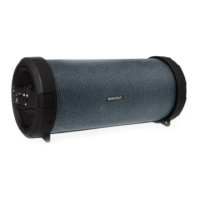
Your speaker has various music modes. Press the Mode button to switch between USB,TF, AUX, and Bluetooth Mode.
USB/TF Mode
After inserting a USB drive into the USB port, your speaker will automatically activate USB mode and play any
.mp3 audio files it finds on your USB drive. After inserting a memory card into the TF card slot, your speaker will
automatically activate TF mode and play any .mp3 audio files it finds on your memory card. If your speaker does
not change modes, remove your USB drive or TF card and re-insert it.
AUX Mode
Insert an auxiliary cable (not included) into the AUX-IN Jack to listen music from another device, your speaker will
automatically turn on AUX mode.
Note: Some of your speaker functions and controls may be unresponsive on AUX mode.


 To Next Page