DLP Projector – User’s Manual
Advanced Feature
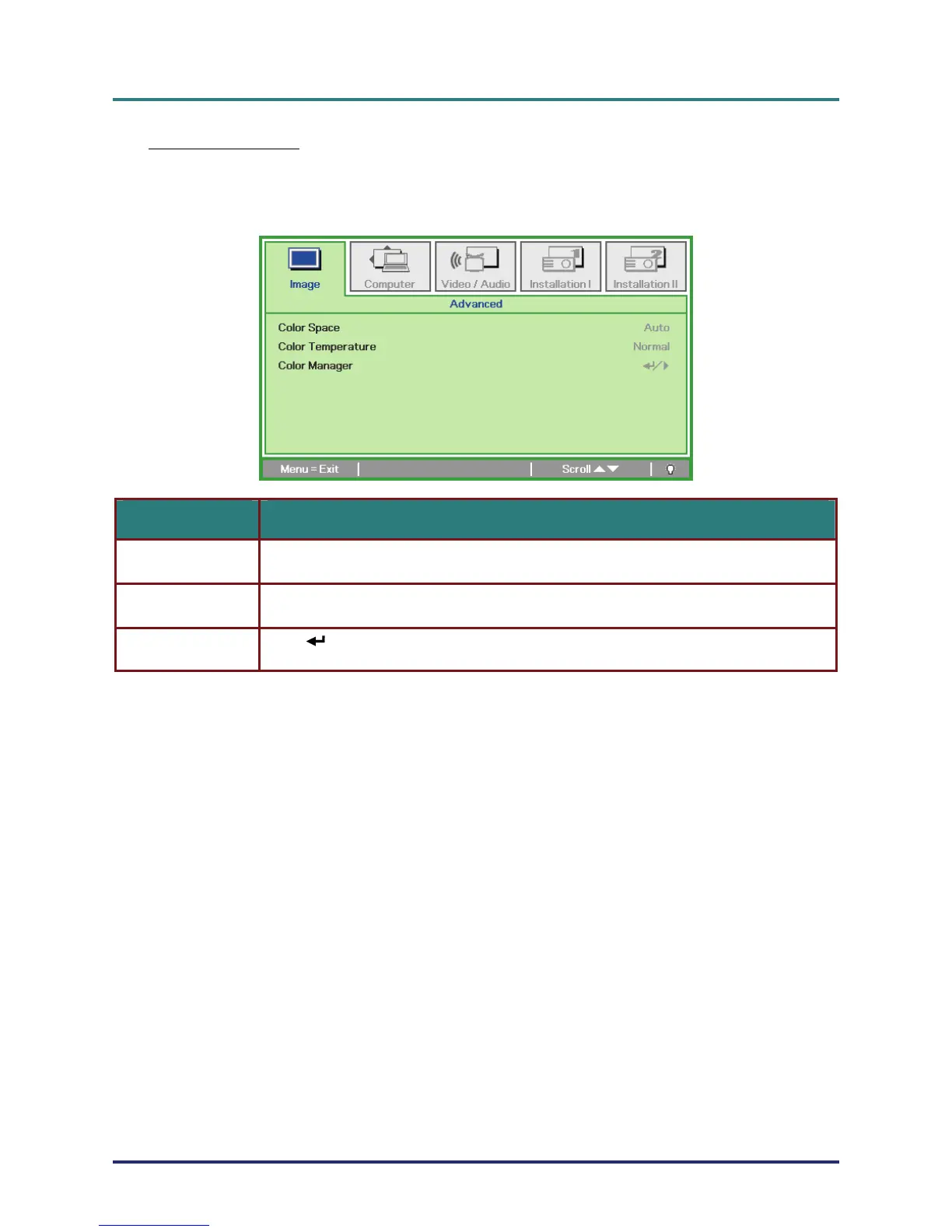
Press the Menu button to open the OSD menu. Press ユモ to move to the Image menu. Press ヴル
to move to the Advanced menu and then press Enter or モ. Press ヴル to move up and down in the
Advanced menu.
ITEM DESCRIPTION
Press the cursor ユモ button to adjust the color space.
(Range: Auto – RGB – YPbPr – YCbCr)
Color Space
Press the cursor ユモ button to adjust the color temperature.
(Range: Cold – Normal – Warm)
Color Temperature
Press
(Enter) / モ to enter the color manager menu. (Range: Red-Green-Blue-Cyan-
Magenta-Yellow-White). See page
Color Manager
– 23 –
24 for more information on Color Manager.



 To Next Page