DLP Projector—User’s Manual
7. Press the Menu button on the projector.
8. Select Installation II s Advanced s Network.
9. After getting into Network, input the following:
ʼ DHCP: Off
ʼ IP Address: 10.10.10.10
ʼ Subnet Mask: 255.255.255.0
ʼ Gateway: 0.0.0.0
ʼ DNS Server: 0.0.0.0
10. Press
(Enter) / モ to confirm settings.
Open a web browser
(for example, Microsoft Internet Explorer with Adobe Flash Player 9.0 or higher).
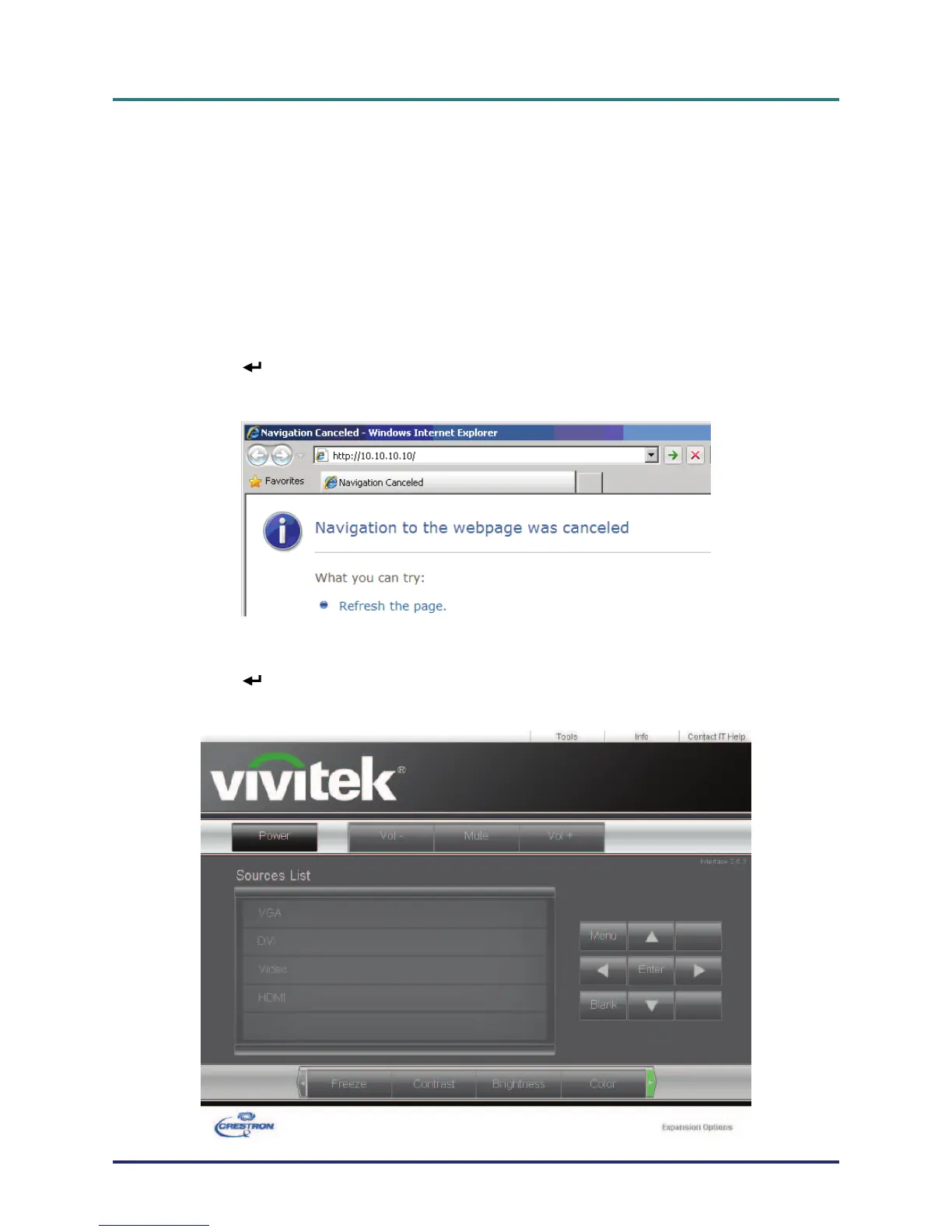
11. In the Address bar, input the IP address: 10.10.10.10.
12. Press (Enter) / モ.
The projector is setup for remote management. The LAN/RJ45 function displays as follows.
– 38 –



 To Next Page