10
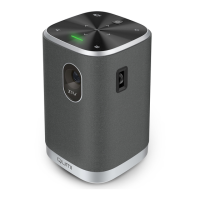
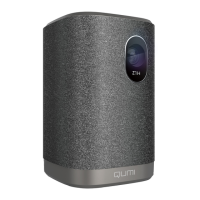
Power on/off Qumi
1.
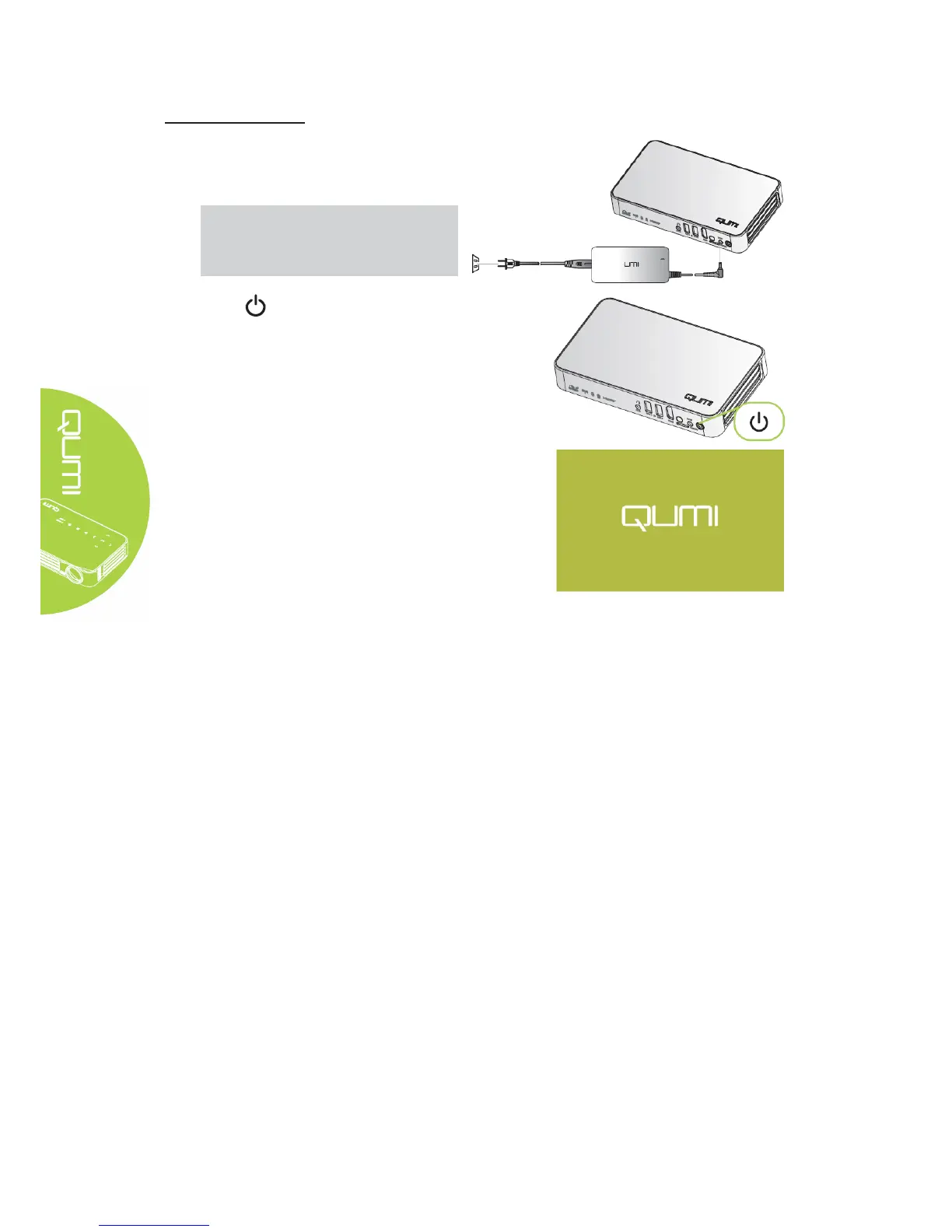
Connect the AC adapter to Qumi.
Connect the other end of AC adapter to a
wall outlet.
Note:
The adapter models may differ over
region.
2.
Press power button to power on
Qumi.
When AC is connected, hold 1 second.
When AC is not connected, hold 5
seconds.
Qumi displays startup screen and detects
all connected devices.



 To Next Page