18
Video
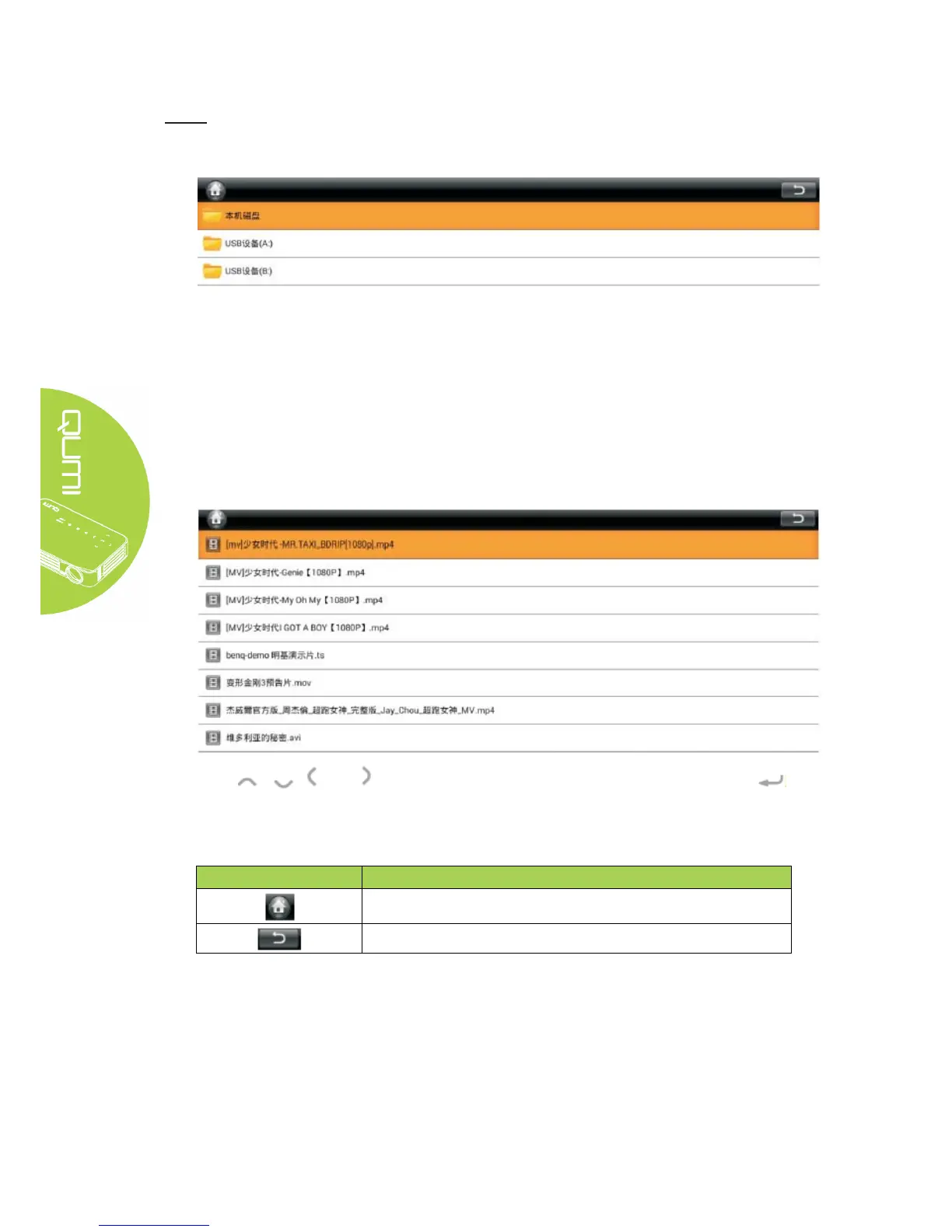
Play film files; the available videos in connected USB drives or devices are listed in the “Video”
menu. Open video -- Select local disk/USB -- Click the video for display
Press , , and buttons on the remote controller to select files and press
for display. The control panel display will change based on the file. The table below lists
available functions.
Menu bar/Icon Description
Back to UI
Back to previous step



 To Next Page