4
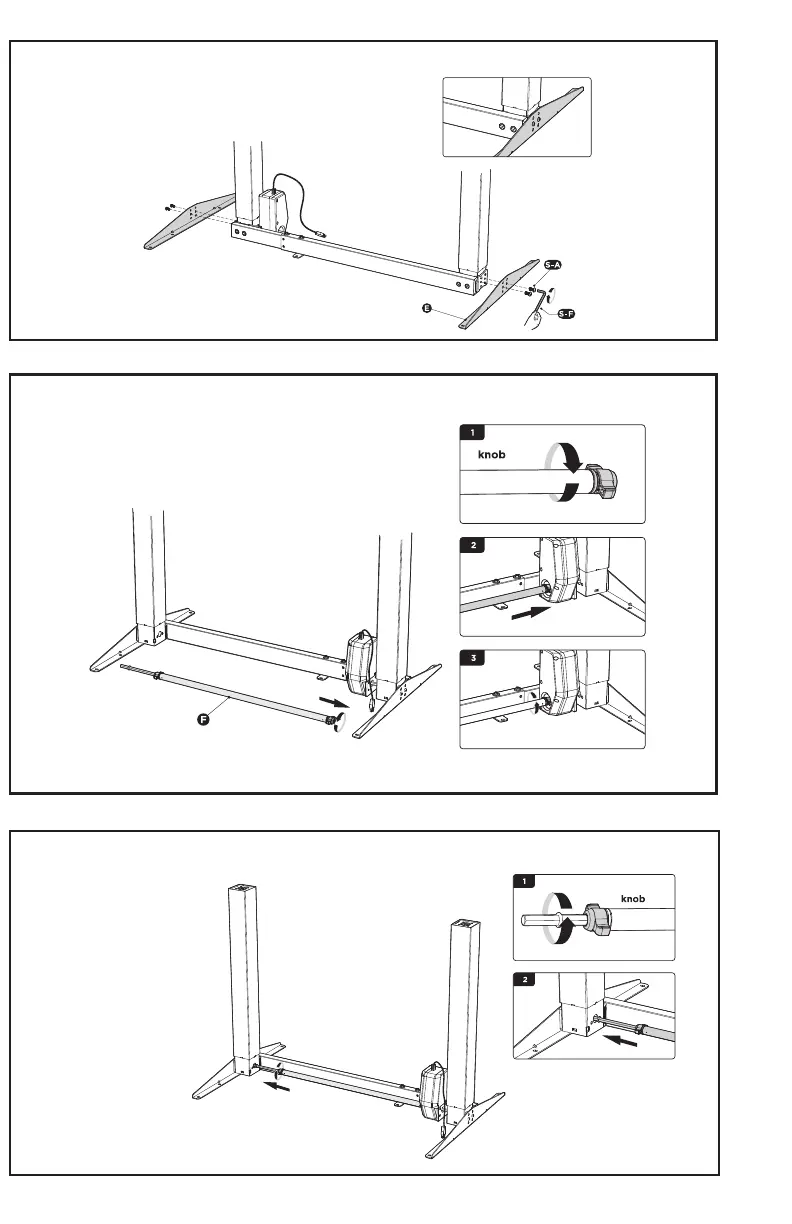
STEP 3
STEP 4
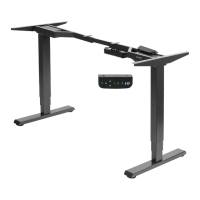
Attach the side brackets (E) to both ends of the frame using four M6x12mm bolts (S-A). Tighten with
the Allen wrench (S-F).
STEP 5
Loosen the knob on the socket end of the sync
rod (F) and slide the sync rod onto the sha of
the motorized leg. Tighten the knob.
Loosen the knob on the other end of the sync rod and extend the
hex sha into the socket in the leg, making sure the sha is fully
inserted. Tighten the knob.






 To Next Page