6
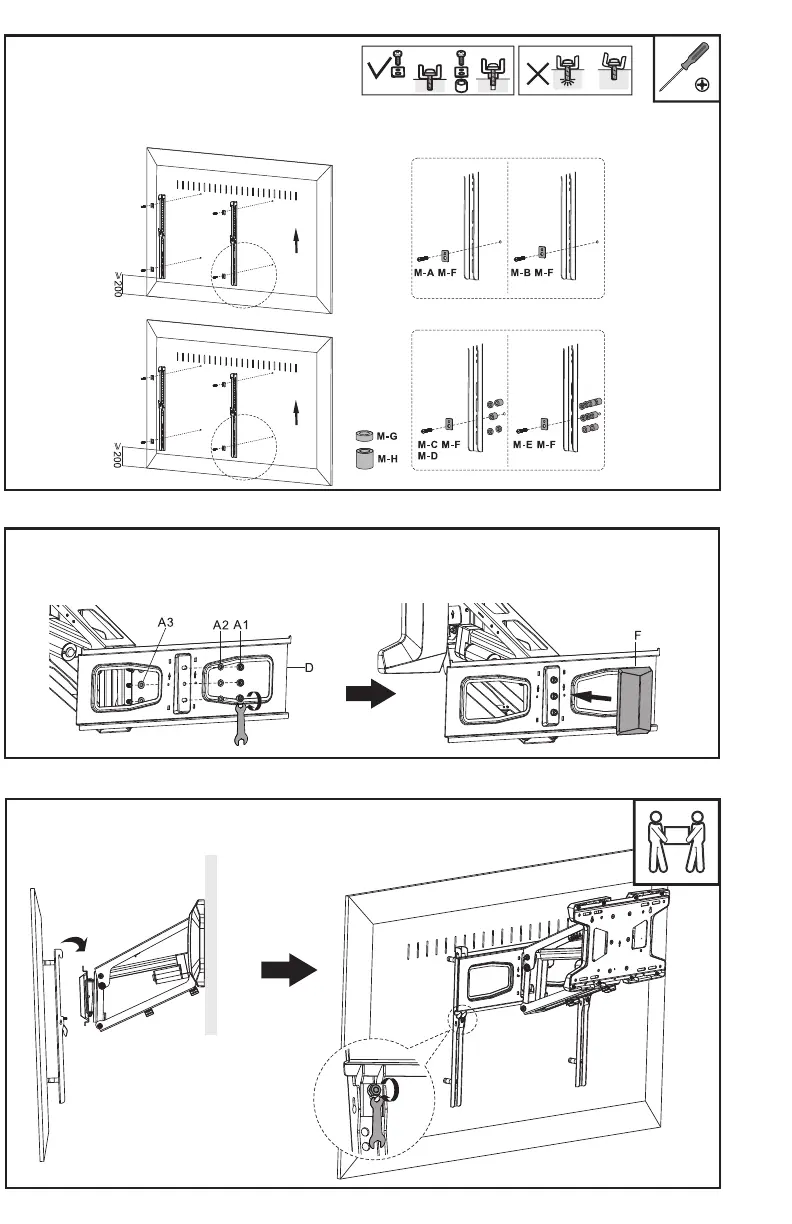
STEP 7
Attach the VESA brackets (E) to the back of the TV
using combination of screws (M-A - M-E), washers
(M-F) and spacers (M-G, M-H) appropriate for your
TV. The bottom edge of the VESA brackets should be
greater than 7-7/8” (200mm) above the bottom edge
of the TV.
STEP 9
Hang the TV with VESA brackets (E) onto the TV plate (D). Close the clips, and secure using
the previously removed nuts. Tighten with the wrench (I).
STEP 8
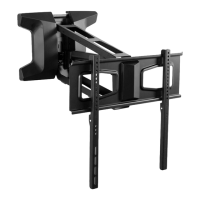
Place previously removed plastic washers (A3) on the mount (A). Attach the TV plate (D) to the mount
using nuts (A1) with metal washers (A2). Make sure the TV plate is level, and tighten nuts using the
wrench (I). Press the front cover (F) onto the front of the TV plate.


 To Next Page