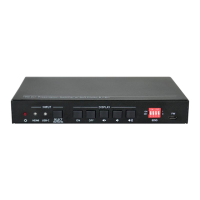
18G 2x1 Presentation Switcher with Soft Codec and CEC
10
6. RS232 Control
Connect the RS232 port to control device (e.g. PC) with RS232 cable. The switcher can
be controlled by sending RS232 commands.
6.1 RS232 Control Software
Installation: Copy the control software file to the control PC.
Uninstallation: Delete all the control software files in corresponding file path.
Basic Setting:
Connect the switcher with all input devices and output devices needed, then to connect
it with a PC which is installed with RS232 control software. Double-click the software
icon to run this software.
Here take the software CommWatch.exe as an example:


 To Next Page
 Loading...