VIVOTEK
64 - User's Manual
Privacy mask
Click Privacy Mask to open the settings page. On this page, you can block out sensitive zones to
address privacy concerns.
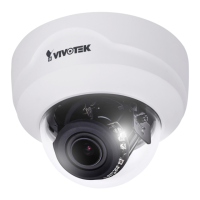
■ To congure privacy mask windows,
1. Click New to add a new window.
2. You can use 4 mouse clicks to create a new masking window, which is recommended to be at
least twice the size of the object (height and width) you want to cover.
3. Enter a Window Name and click Save to enable the setting.
4. Click on the Enable privacy mask checkbox to enable this function.
NOTE:
►
Up to 5 privacy mask windows can be congured on the same screen.
► If you want to delete the
privacy mask
window, please click the ‘x’ mark on the side of window
name.
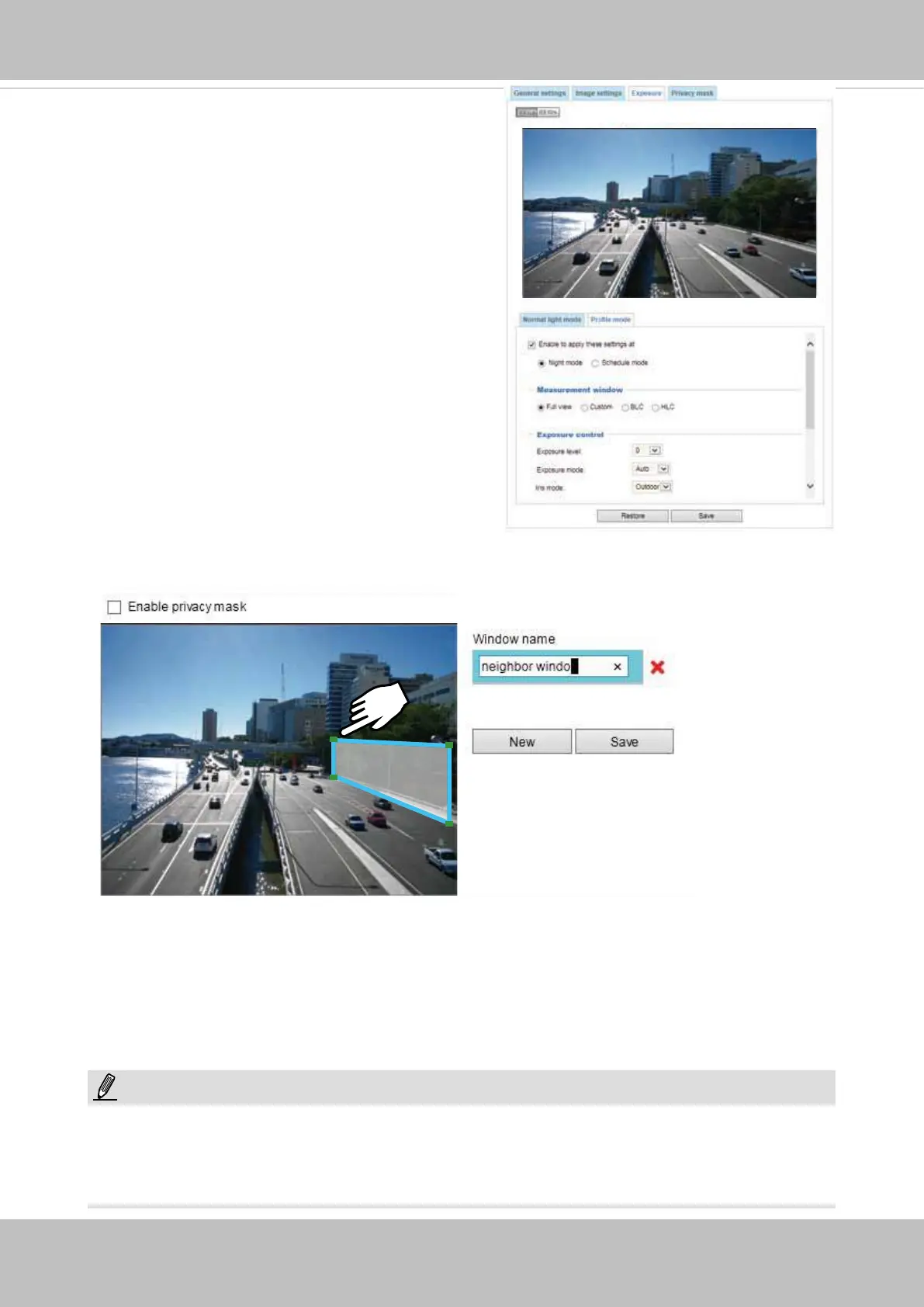
Please follow the steps below to set up a prole:
1. Select the Prole mode tab.
2. Select the applicable mode: Night mode or
Schedule mode. Please manually enter a range of
time if you choose the Schedule mode.
3. Congure Exposure control settings in the folowing
columns. Please refer to previous dicussions for
detailed information.
4. Click Save to enable the setting and click Close to
exit the page.



 To Next Page