VIVOTEK
User's Manual - 81
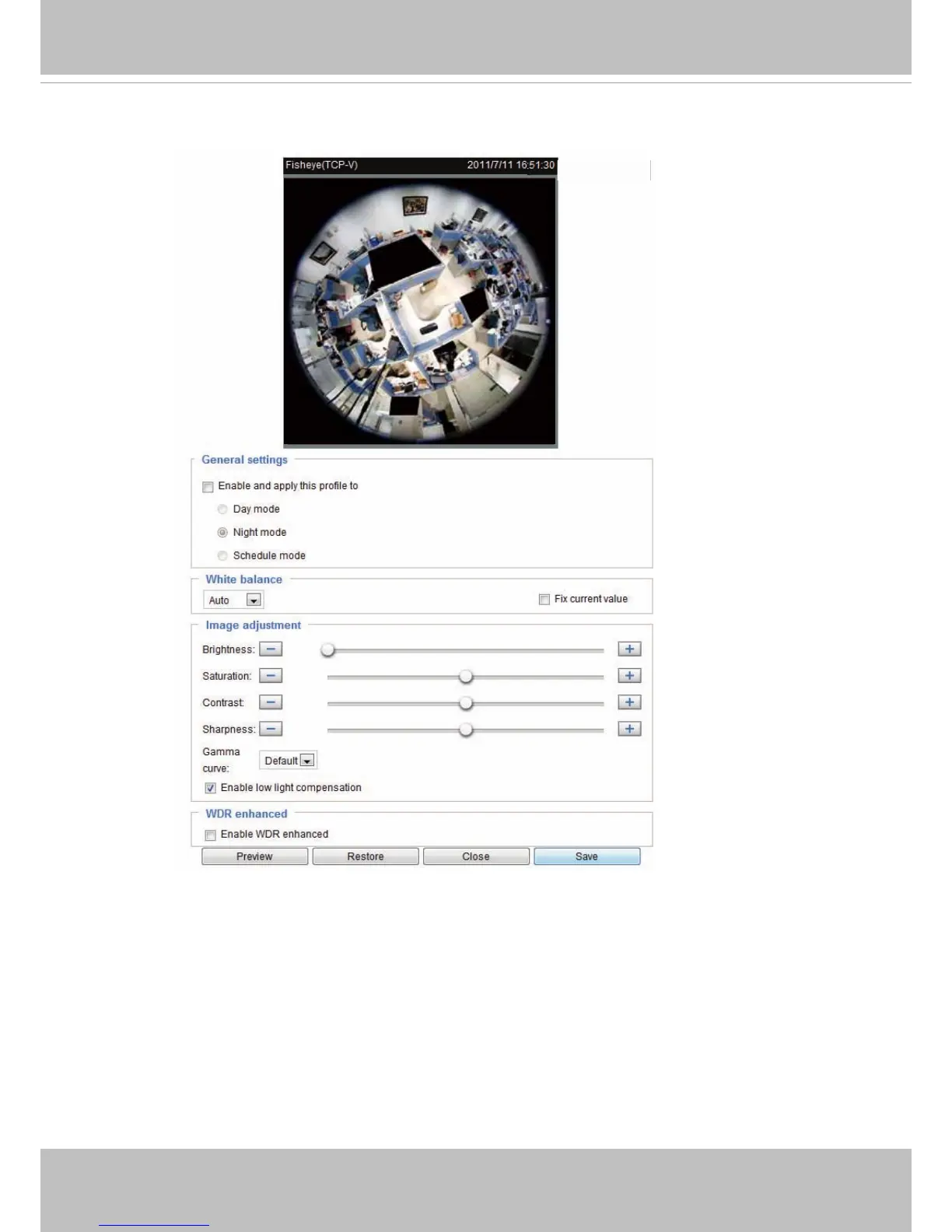
If you want to congure another sensor setting for day/night/schedule mode, please click Prole to open
the Prole Settings page as shown below.
Please follow the steps below to setup a prole:
1. Check Enable and apply this prole.
2. Select the applied mode: Day mode, Night mode, or Schedule mode. Please manually enter a range of
time if you choose Schedule mode.
3. Configure the settings in the following columns. Please refer to the previous page for detailed
information.
4. Click Save to enable the settings and click Close to exit the page.
2011/03/13 17:08:56



 To Next Page