VIVOTEK
User's Manual - 103
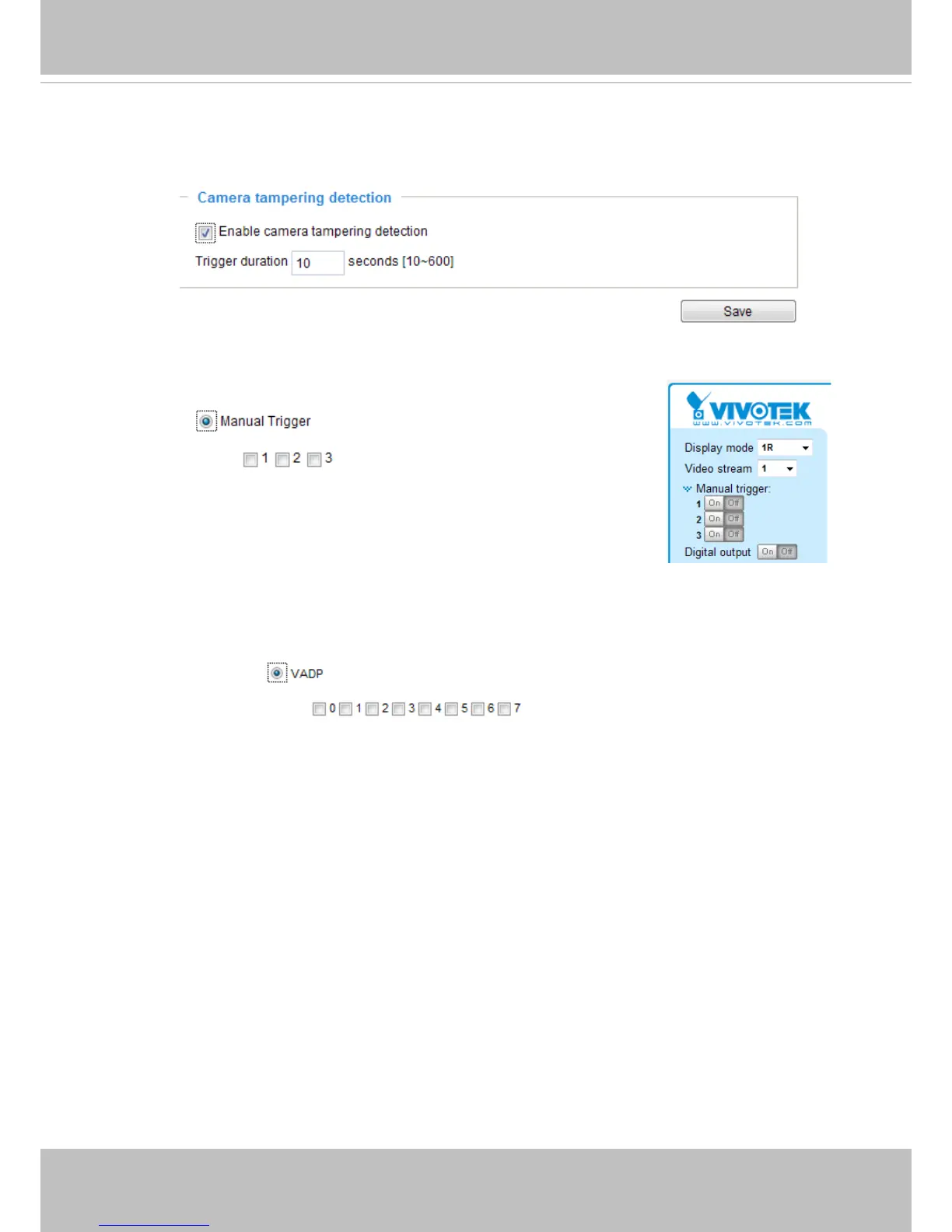
■ Camera tampering detection
This option allows the Network Camera to trigger when the camera detects that is is being tampered
with. To enable this function, you need to congure the Tampering Detection option rst. Please refer
to page 118 for detailed information.
■ Manual Trigger
This option allows user to enable event triggers manually by clicking the on/off button on the
homepage. Please congure 1 ~ 3 events before using this function.
■ VADP
These checkboxes allow the events to be triggered by 3rd-party software modules known as VADP.
Users may implant these modules for different purposes such as triggering motion detection, video
analysis, etc. Please refer to page 121 for the conguration options with VADP modules.



 To Next Page