- 33 -
www.vivotek.com
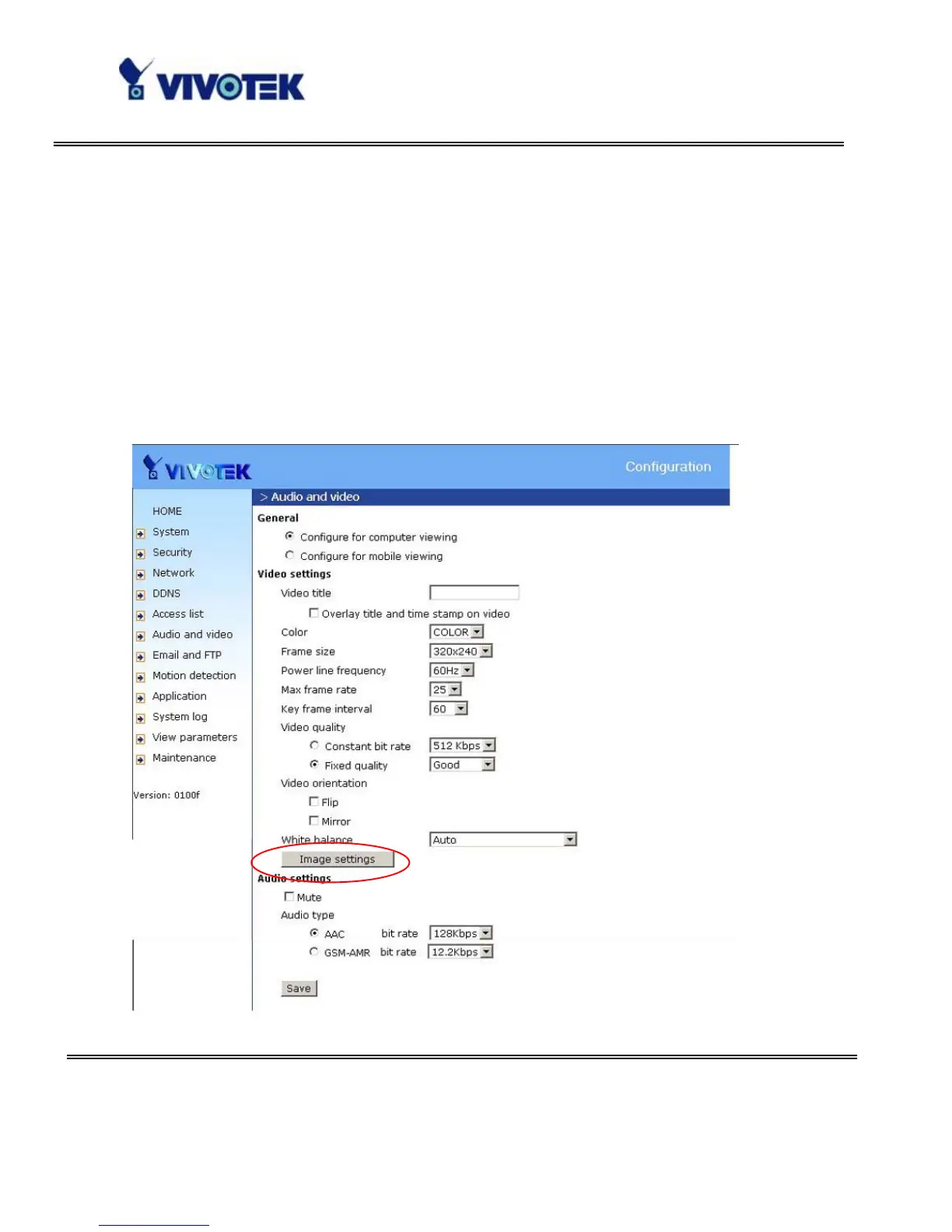
“Mirror” Horizontally rotate the video. Check options both if the Network Camera is
installed upside down.
“White balance” Adjust the value for best color temperature.
Audio settings
“Use” Switch “internal” or “microphone” to set up the source of audio input
“mute” Audio mute
“Boost external microphone input” Enhance the gain of the external microphone
“Internal input Gain” Modify the gain of the internal audio input
“Audio type” Select audio codec “AAC” or “GSM-AMR” and the bit rate



 To Next Page