- 49 -
www.vivotek.com
Maintenance
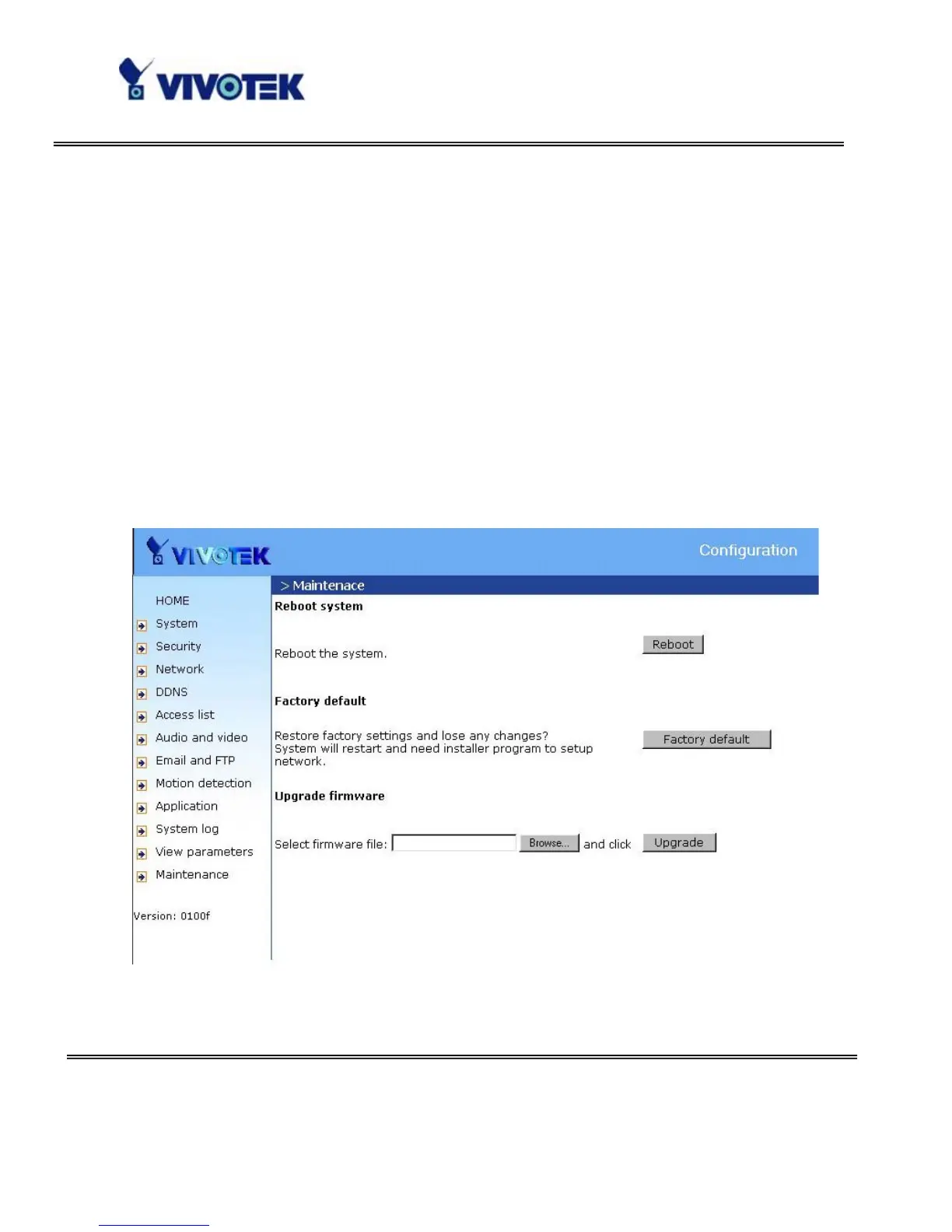
Three actions can be selected
“reboot” click the reboot button to restart system
“factory default” Click on Factory default button on the configuration page to restore
the factory default settings. Any changes made so far will be lost and the system will be
reset to the initial factory settings. The system will restart and require the installer
program to set up the network again.
“upgrade firmware” Select the firmware file and click upgrade button



 To Next Page