- 8 -
www.vivotek.com
switch to wireless LAN mode.
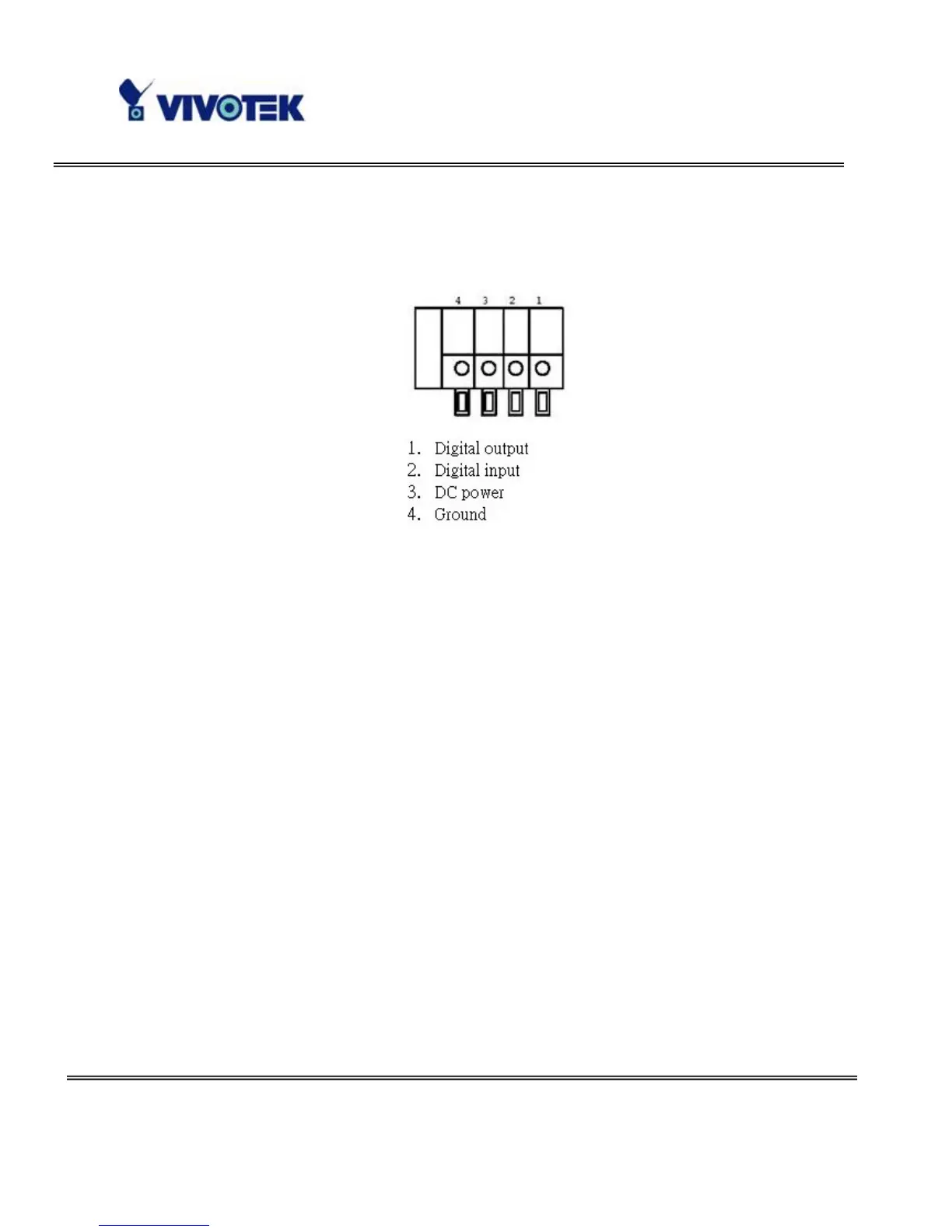
This Network Camera provides a general I/O terminal block with one digital input and one
digital output device control. The pin definition is as below.
Software installation
At the end of the hardware installation, users can use Installation Wizard program
included in the product CDROM to find the location of the Network Camera. There may be
many Network Cameras in the local network. Users can differentiate the Network
Cameras with the serial number. The serial number is printed on the labels on the carton
and the back of the Network Camera body. Please refer to the user’s manual of
Installation Wizard for detail.



 To Next Page