- 38 -
www.vivotek.com
Application settings
Application
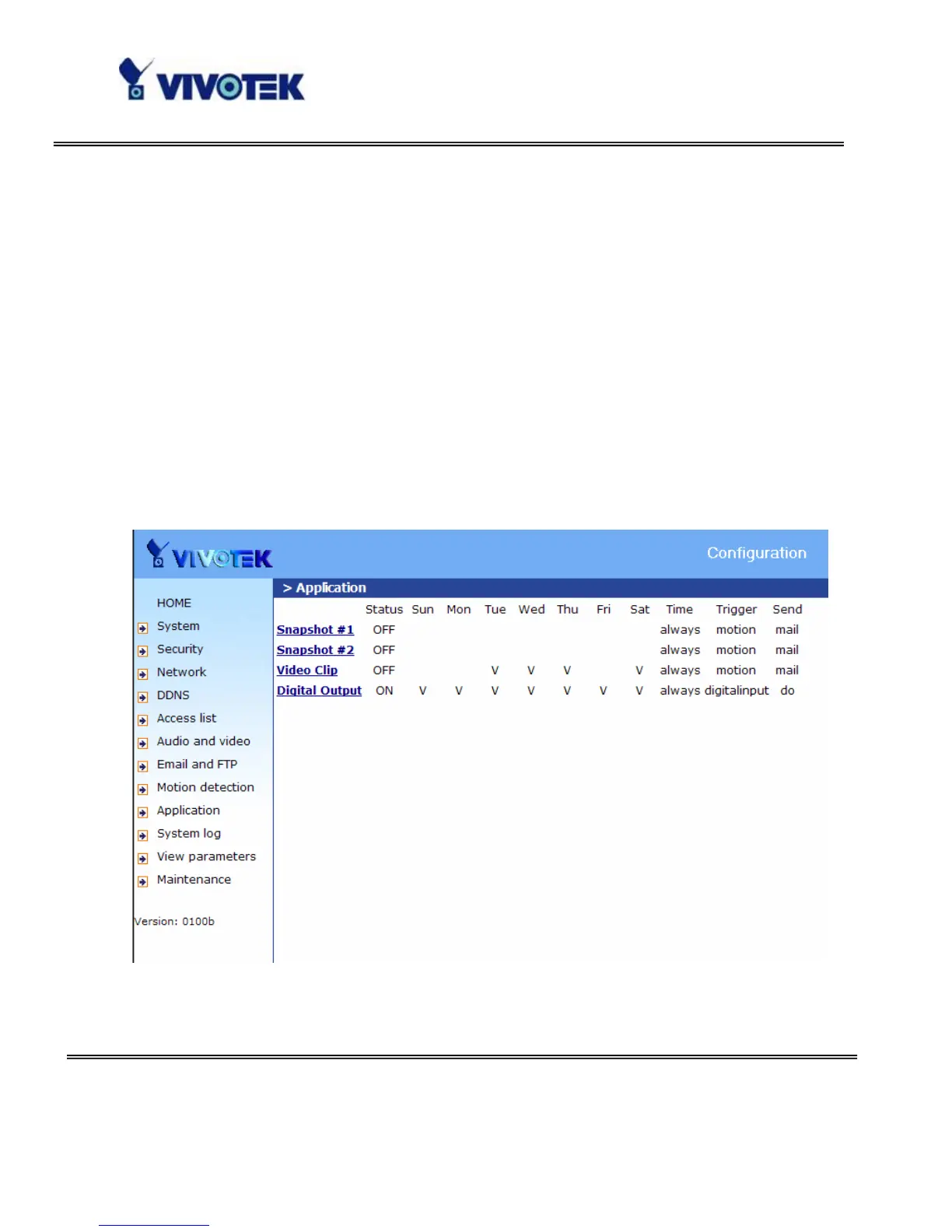
Application has two snapshot, one video clip and one digital output.
“Status” ON/OFF show the status of application.
“Sun” ~ “Sat” Select the days of the week to perform the application.
“Time” show “Always” or input the time interval.
“Trigger” Event trigger type has digital input, motion detection and sequential.
“Send” After Event has been triggered, IP cam will send something by email, ftp or
trigger digital output.



 To Next Page