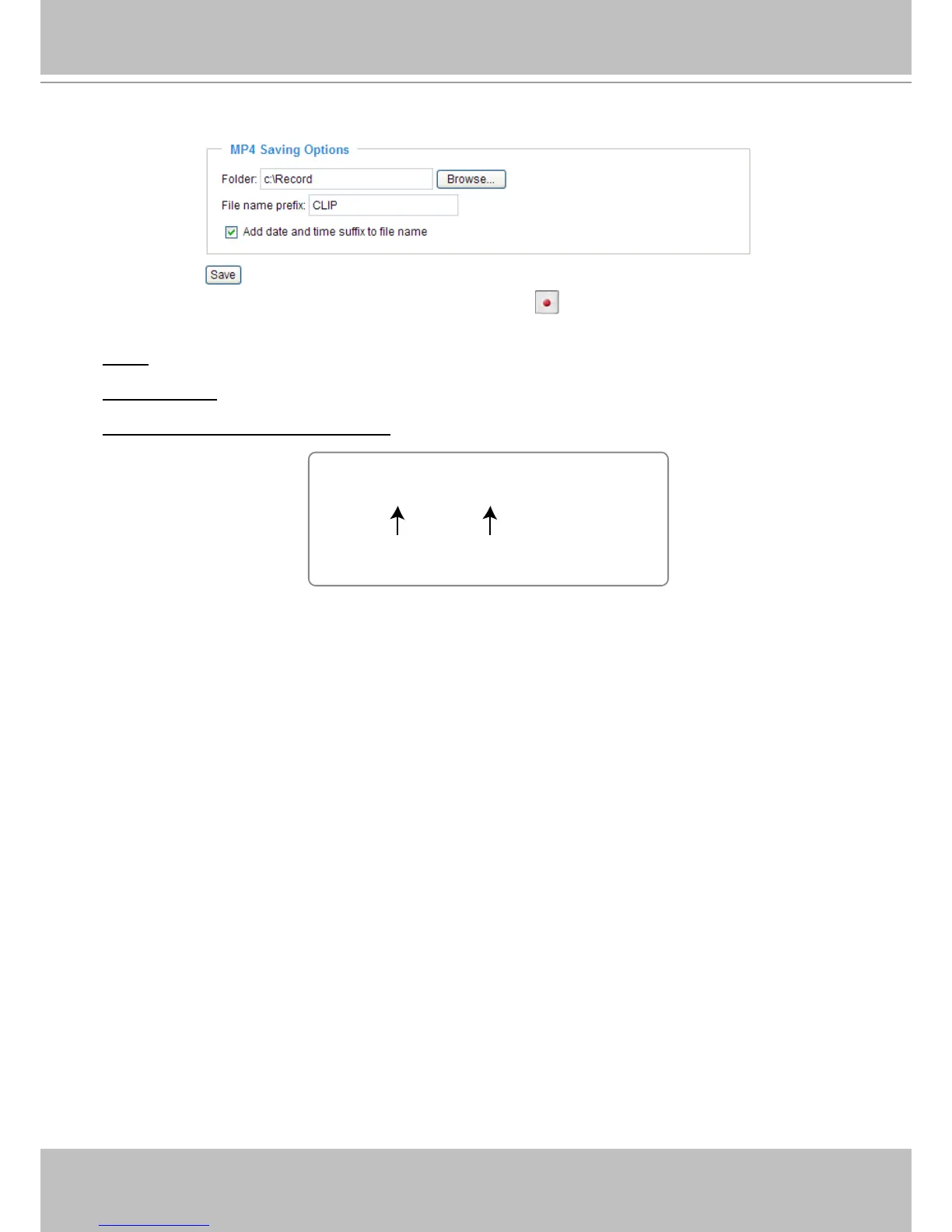
MP4 Saving Options
Users can record live video as they are watching by clicking Start MP4 Recording on the main page�
Here, you can specify the storage destination and le name.
Folder: Specify the storage destination for the recorded video les.
File name prex: Enter the text that will be appended to the front of the video le name.
Add date and time sufx to the le name: Select this option to append the date and time to the end of the
le name.



 To Next Page