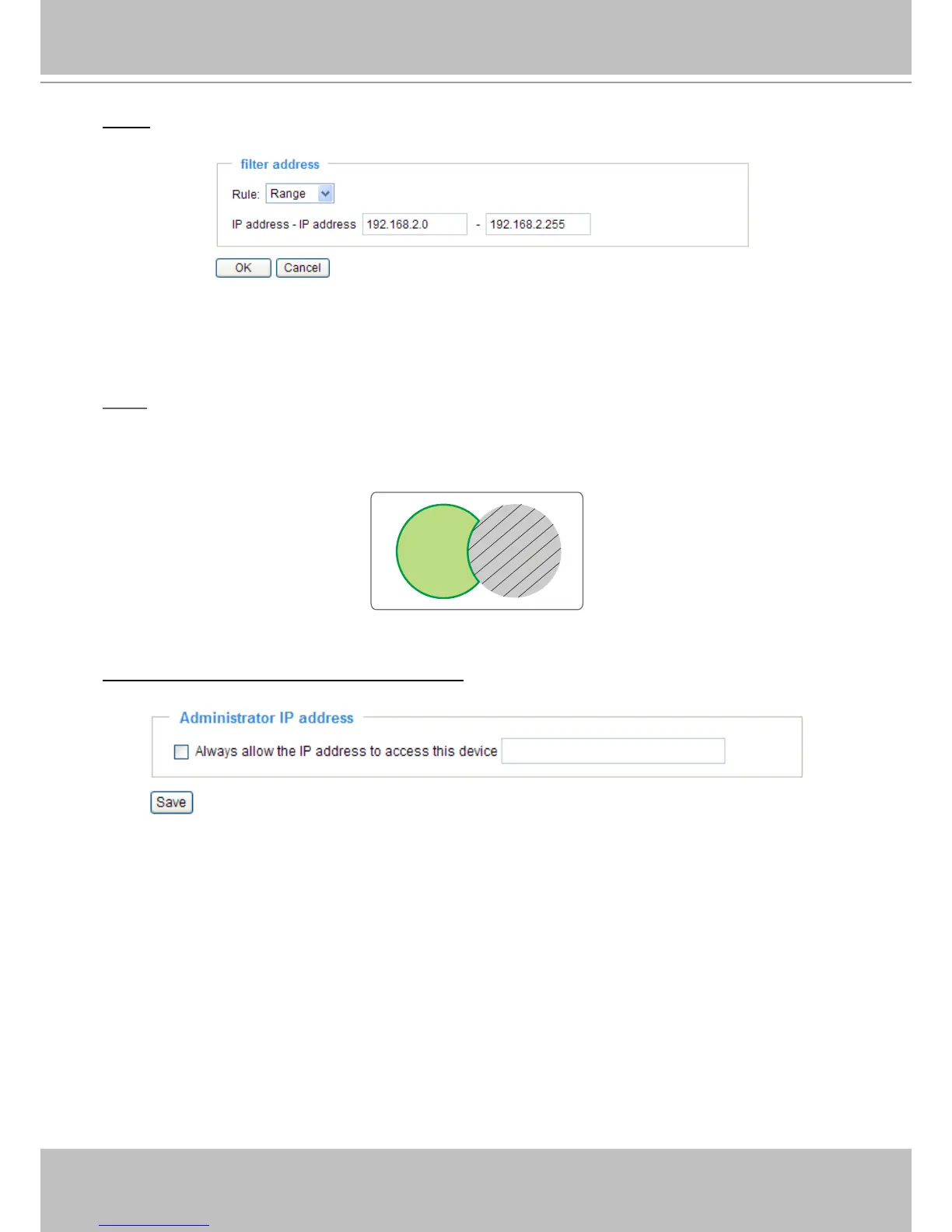
Range: This rule allows the user to assign a range of IP addresses to the Allow/Deny List� This rule is
only applied to IPv4�
For example:
■ Delete Allowed/Denied list:
In the Delete Allowed List or Delete Denied List column, make a selection and click Delete�
NOTE
► For example, when the range of IP addresses in the allowed list is set from 1.1.1.0 to 192.255.255.255
and the range in the denied list is set from 1�1�1�0 to 170�255�255�255, only users’ IP located between
171�0�0�0 and 192�255�255�255 can access the Network Camera�
Administrator IP address
Always allow the IP address to access this device: You can check this item and add the Administrator’s
IP address in this eld to make sure the Administrator can always connect to the device.



 To Next Page