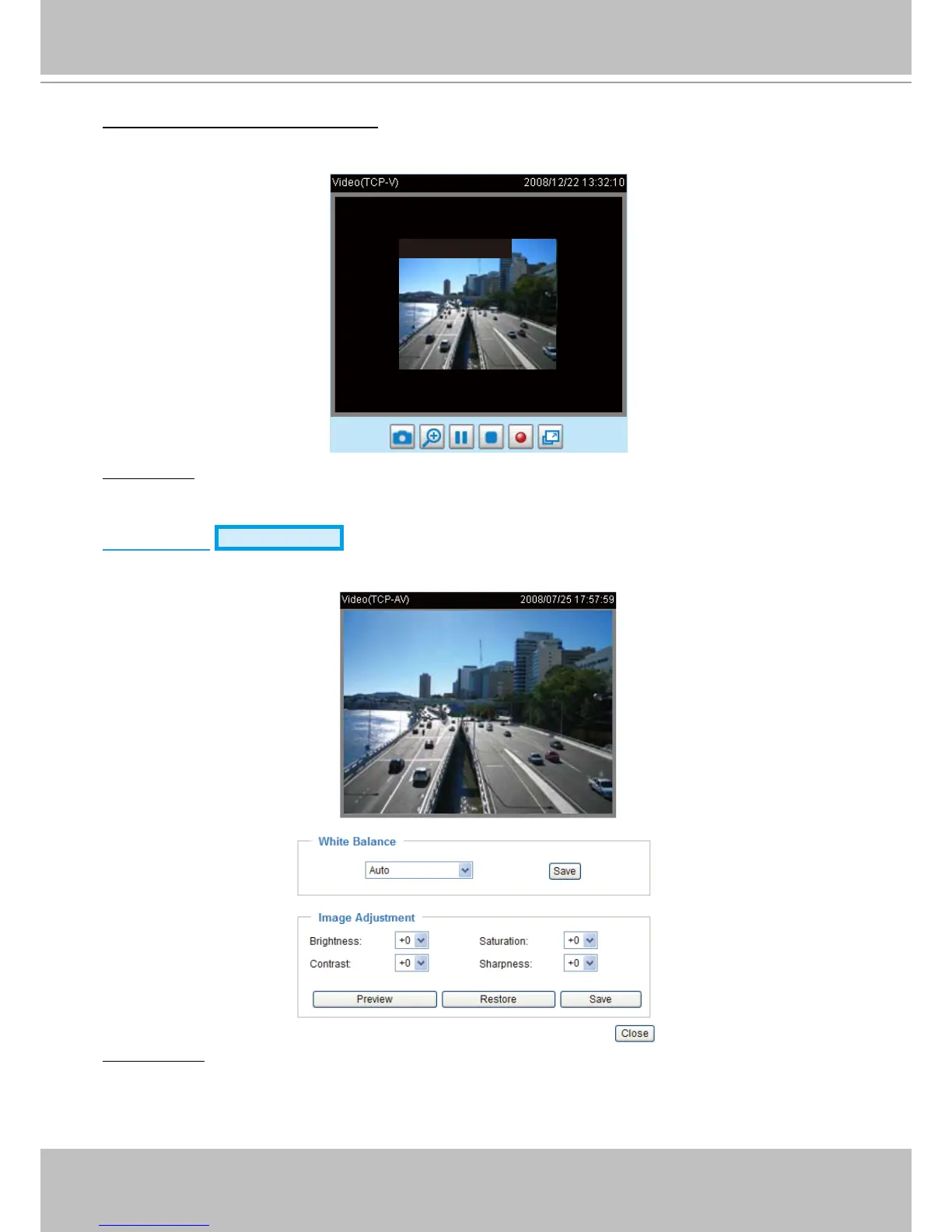
Overlay title and time stamp on video: Select this option to place the video title and time on the video
streams�
Note that when the frame size is set to 176 x 144 as shown in the picture below, only the time will be
stamped on the video streams�
Indoor Mode: To prevent color rolling effect under uorescent light, please check this item to adjust the
parameter�
Image Settings
Advanced Mode
Click Image Settings to open the Image Settings page� On this page, you can tune White balance,
Brightness, Saturation, Contrast, and Sharpness for the video�
White balance: Adjust the value for best color temperature�
■ Auto
The Network Camera automatically adjusts the color temperature of light in response to different light
sources� The white balance setting defaults to Auto and works well in most situations�



 To Next Page