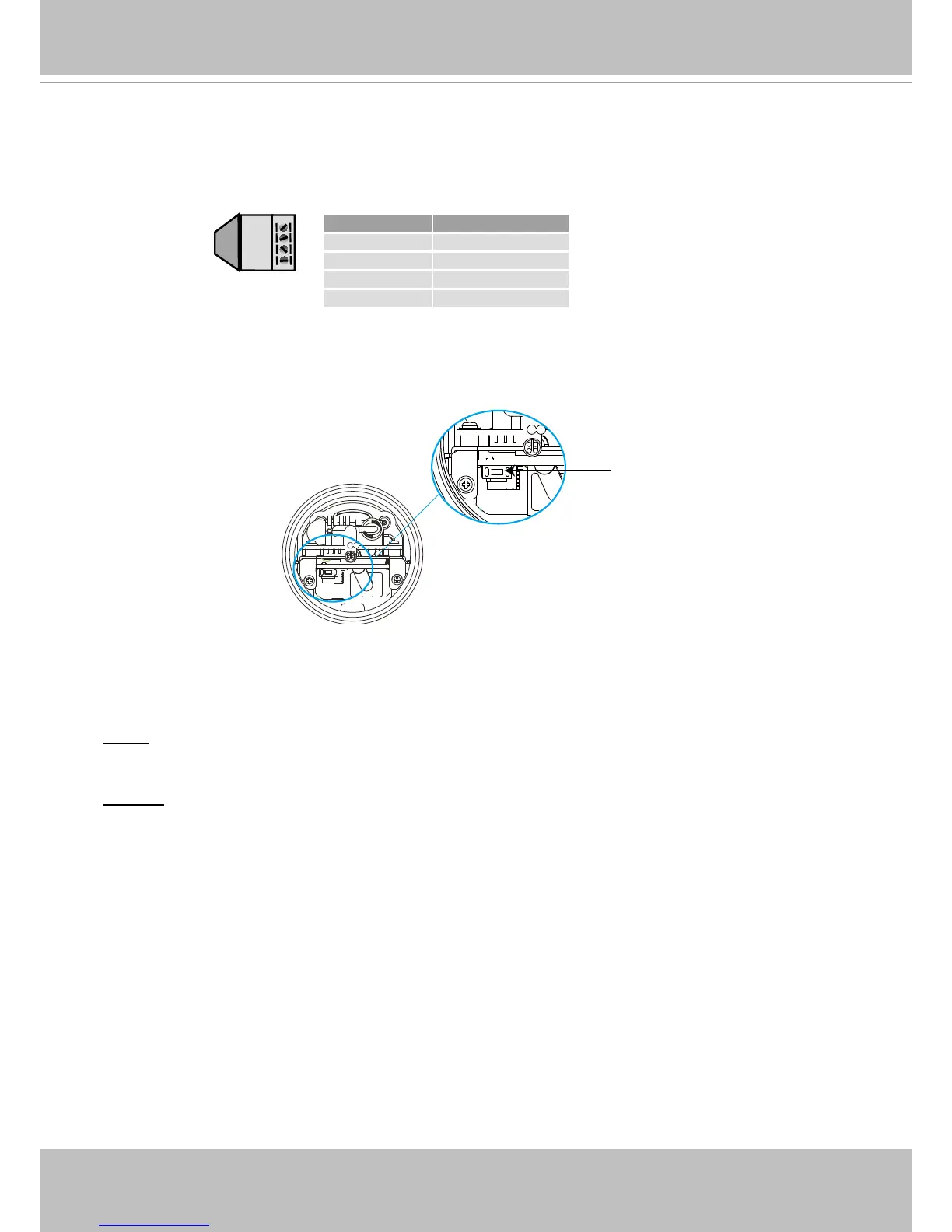
General I/O Terminal Block
This Network Camera provides a general I/O terminal block which is used to connect external
input / output devices. The pin denitions are described below.
Hardware Reset
The reset button is used to reset the system or restore the factory default settings� Sometimes
resetting the system can return the camera to normal operation� If the system problems remain
after reset, restore the factory settings and install again�
Reset: Press and release the reset button with a paper clip or thin object� Wait for the Network
Camera to reboot�
Restore: Press on the reset button continuously for over 5 seconds� Note that all settings will be
restored to factory default�



 To Next Page