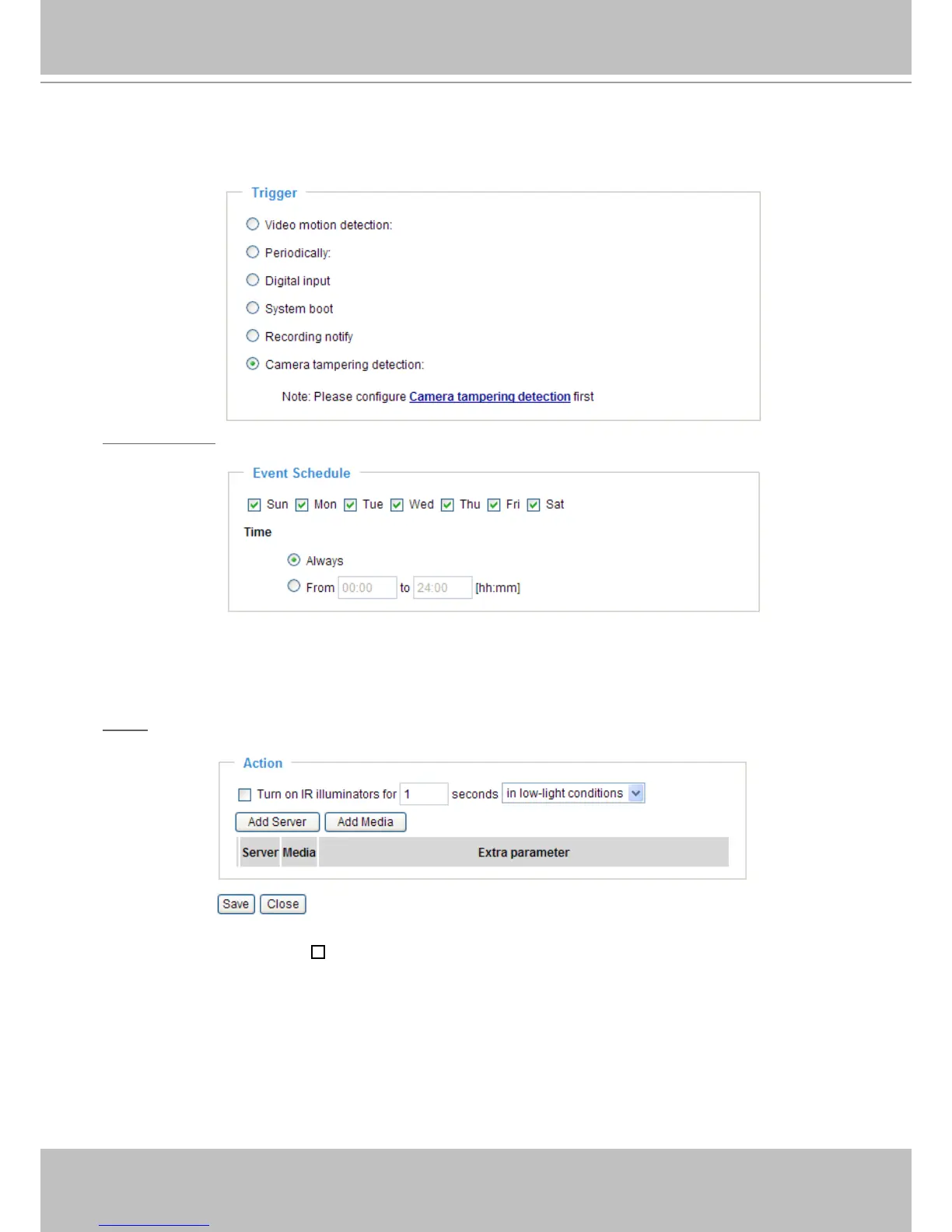
■ Camera tampering detection
This option allows the Network Camera to trigger when the camera detects that is is being tampered
with. To enable this function, you need to congure the Tampering Detection option rst. Please refer
to page 52 for detailed information�
Event Schedule
Specify the period for the event�
■ Select the days of the week.
■ Select the recording schedule in 24-hr time format.
Action
Dene the actions to be performed by the Network Camera when a trigger is activated.
■ Turn on IR Illuminators for
seconds
Select this to turn on IR Illuminators when a trigger is activated every time or only in low light
conditions. Specify the length of trigger interval in the text box.



 To Next Page