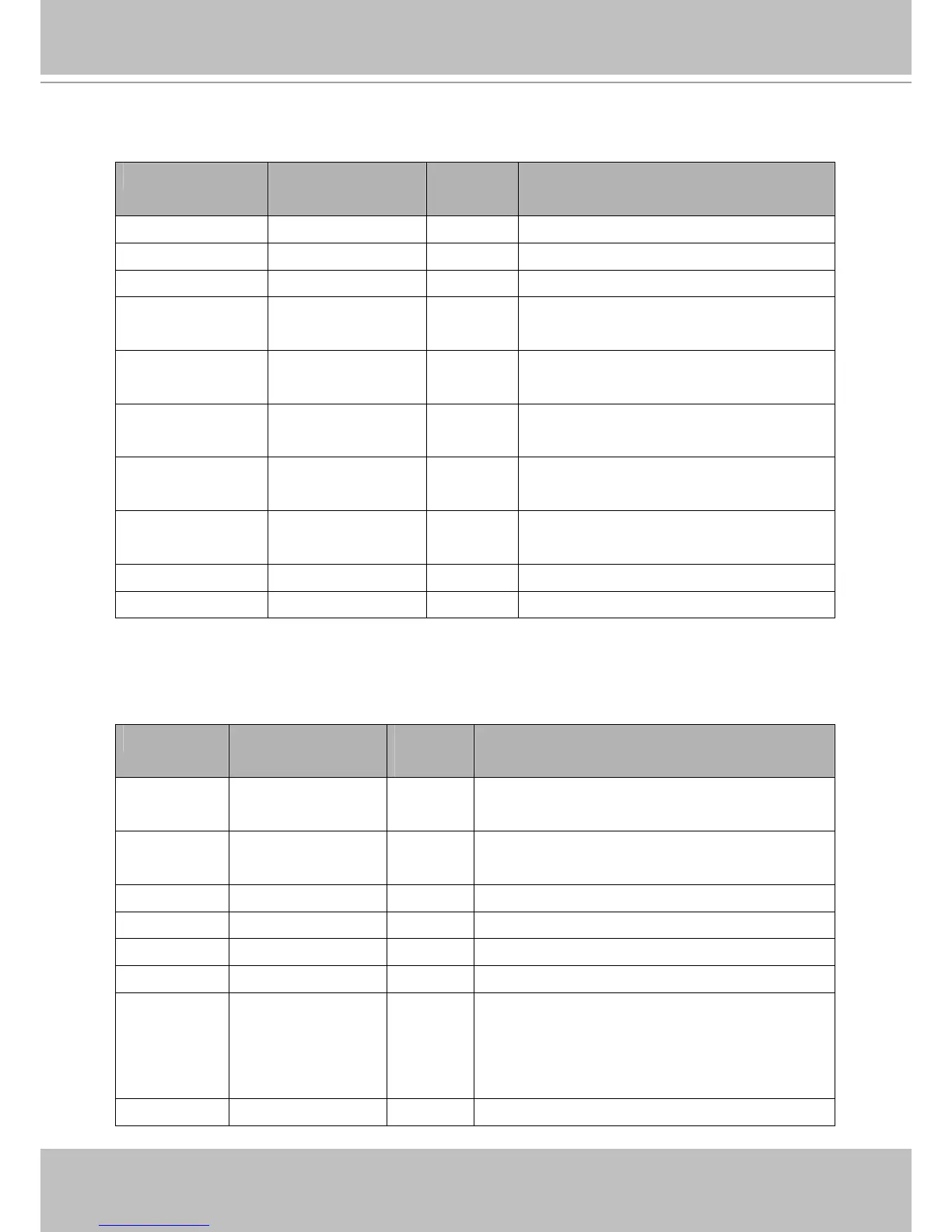
5.7 IP Filter
Group: ipfilter
NAME VALUE SECURITY
(get/set)
DESCRIPTION
enable <boolean> 6/6 Enable access list filtering.
admin_enable <boolean> 6/6 Enable administrator IP address.
admin_ip String[44] 6/6 Administrator IP address.
maxconnection 1~10 6/6 Maximum number of concurrent streaming
connection(s).
allow_i<0~9>_start 1.0.0.0 ~
255.255.255.255
6/6 Allowed starting IPv4 address for connection.
allow_i<0~9>_end 1.0.0.0 ~
255.255.255.255
6/6 Allowed ending IPv4 address for connection.
deny_i<0~9>_start 1.0.0.0 ~
255.255.255.255
6/6 Denied starting IPv4 address for connection.
deny_i<0~9>_end 1.0.0.0 ~
255.255.255.255
6/6 Denied ending IPv4 address for connection.
ipv6_allow_i<0~9> String[44] 6/6 Allowed IPv6 address for connection.
ipv6_deny_i<0~9> String[44] 6/6 Denied IPv6 address for connection.
5.8 Video Input
Group: videoin
NAME VALUE SECURITY
(get/set)
DESCRIPTION
cmosfreq 50, 60 4/4 CMOS frequency. (videoin.type=2)
(product dependent)
whitebalance auto, manual 4/4 “auto” indicates auto white balance.
“manual” indicates keep current value.
atwbvalue1 0 ~ 9999999999 4/4 The auto white balance value.
atwbvalue2 0 ~ 9999999999 4/4 The auto white balance value.
exposurelevel 1~8 4/4 Exposure level (product dependent)
irismode fixed, indoor, outdoor 4/4 Video Iris or DC Iris. (product dependent)
irislevel 1 ~ 8 4/4 Iris level when connected to auto iris lens:
1 => brightest
8 => darkest
(product dependent)
autoiris <boolean> 4/4 Enable auto Iris. (product dependent)



 To Next Page