VIVOTEK
User's Manual - 15
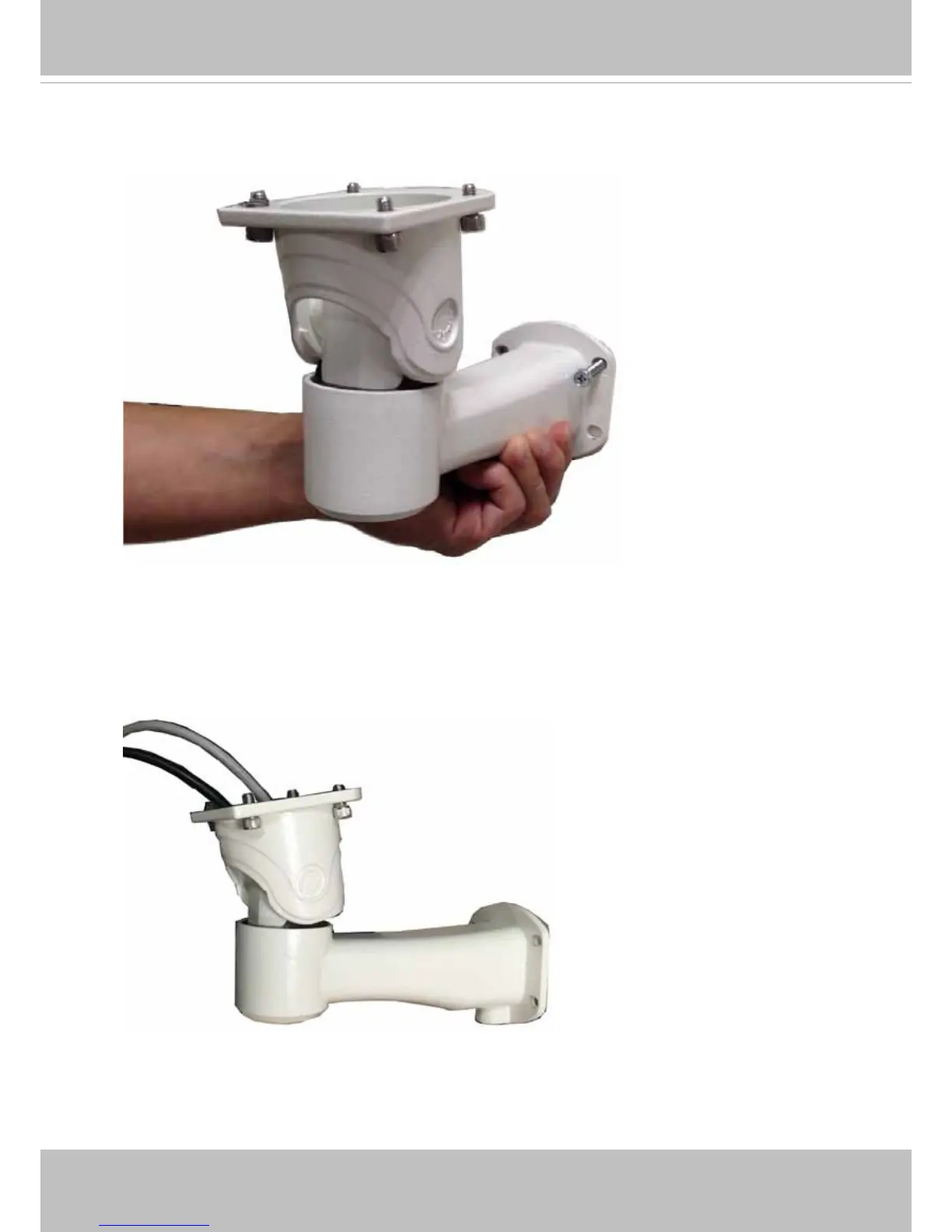
14. Having the wiring done inside the enclosure, you can install the enclosure bracket to a
preferred location at your installation site. Drill mounting holes and a cable routing hole (if
preferred) on a wall. Install the bracket.
15. Lift the whole enclosure up to the installation position, and pass the 24V power wire
and the Ethernet cables through the bracket.



 To Next Page