VIVOTEK - Built with Reliability
User's Manual - 31
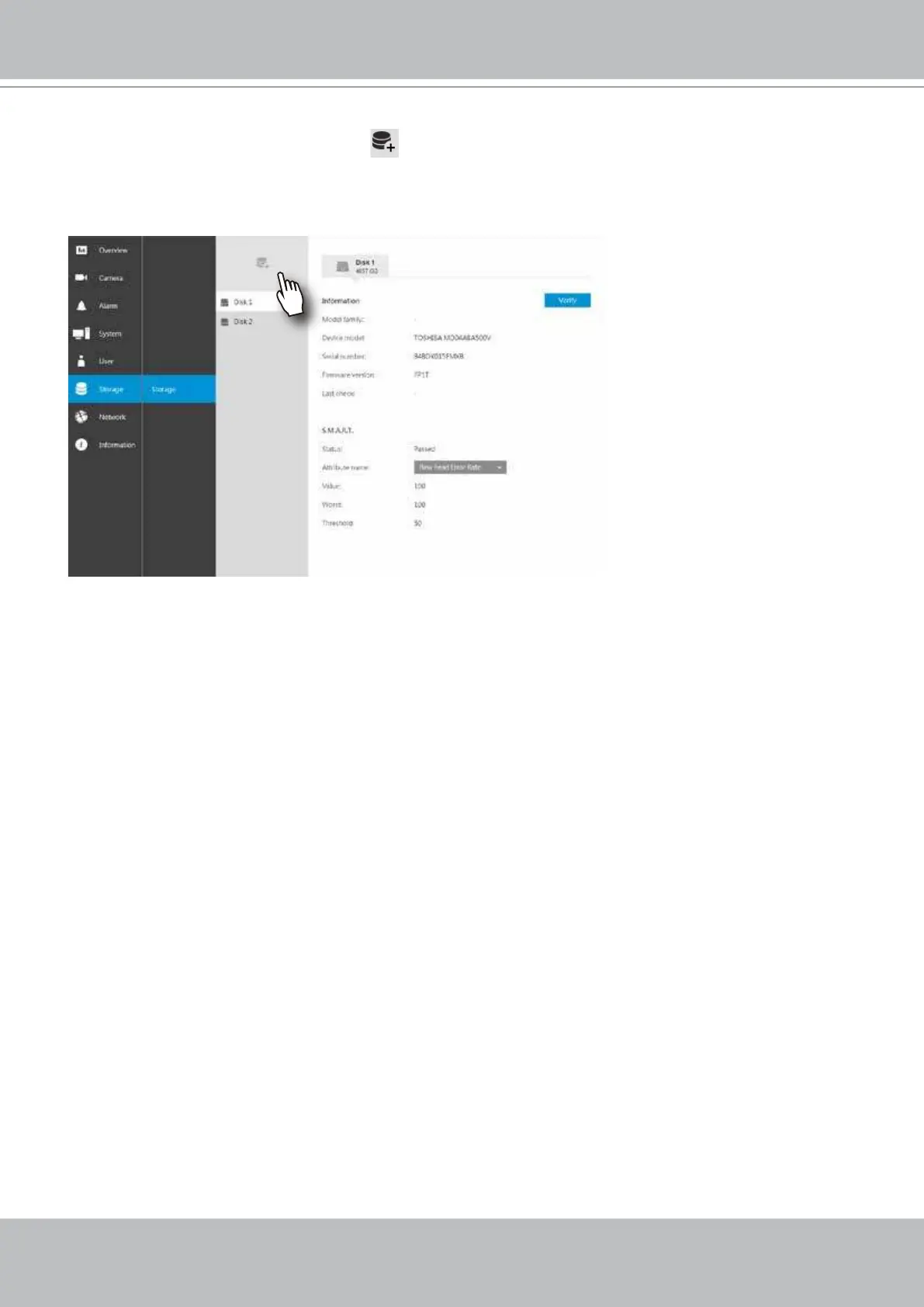
7. On the Storage settings page, check if your hard drive is present and identied by your
system. Click on the Add Volume button.
If you have let the setup wizard create a single disk volume, you can manually delete them
and then create new volumes. Note that previous recordings will be erased.
8. Refer to the later discussions for the rest of the conguration procedure.



 To Next Page