VIVOTEK
100 - User's Manual
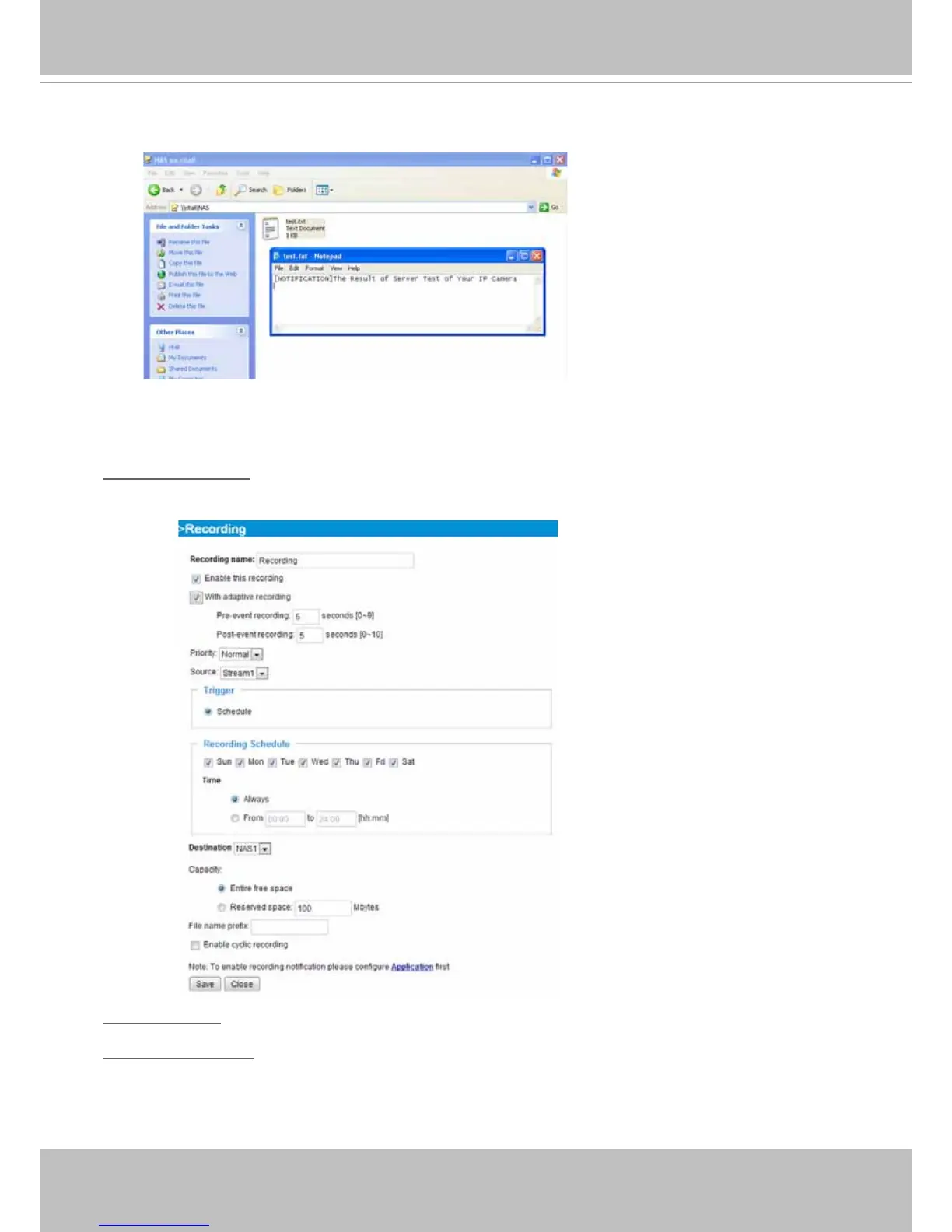
If successful, you will receive a test.txt le on the network storage share.
3. Enter a server name.
4. Click Save to complete the settings and click Close to exit the page.
Recording Settings
Click Add to open the recording setting page. On this page, you can define the recording source,
recording schedule and recording capacity. A total of 2 recording settings can be congured.
Recording name: Enter a name for the recording setting.
Enable this recording: Select this option to enable video recording.



 To Next Page