VIVOTEK
User's Manual - 5
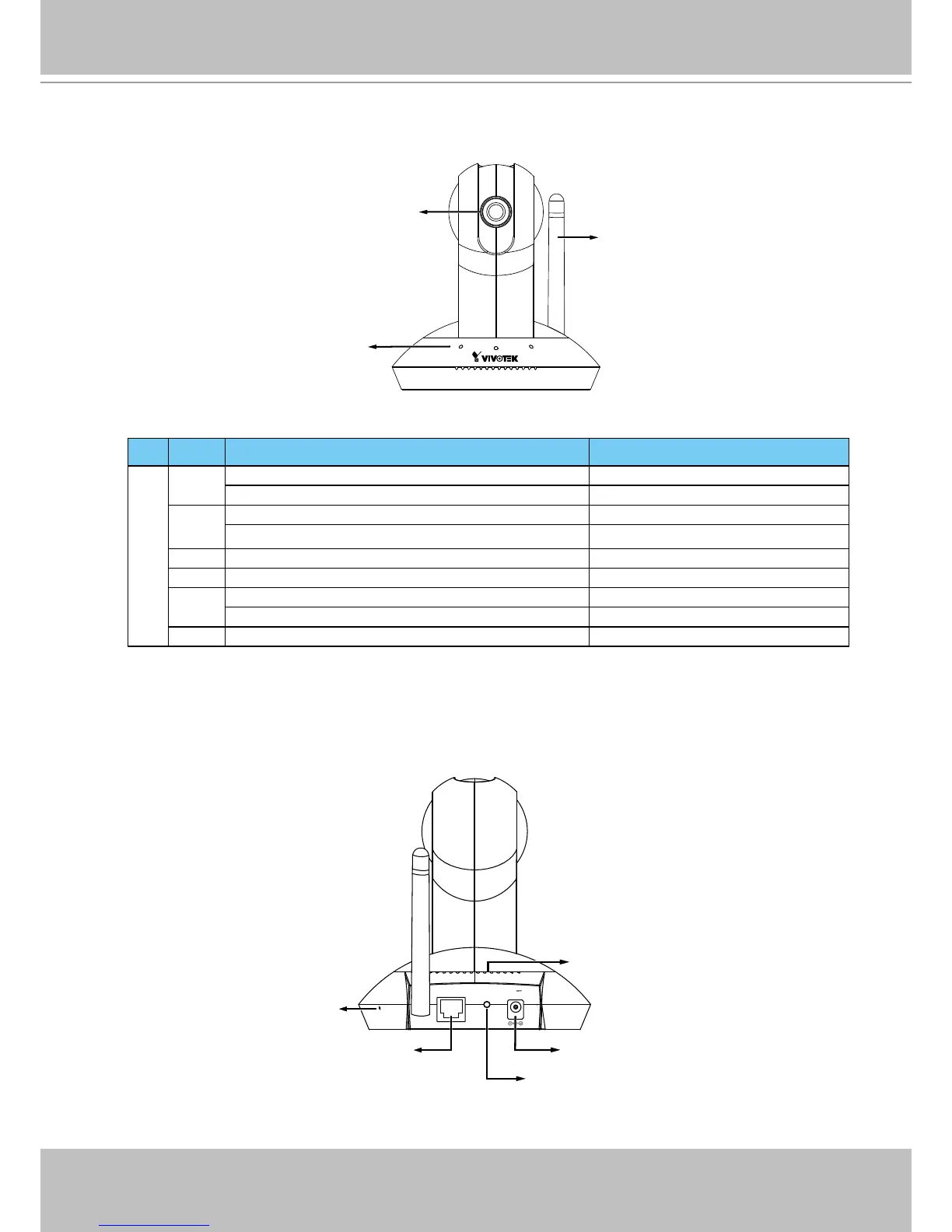
Physical Description
Front panel
Rear panel
Built-in Microphone
(hidden within the plastic shield)
Status LED
Lens and Manual
Focus Ring
ETHERNET
12V
1.5A
WPS
Recessed Reset Button
Ethernet 10/100 RJ45
Socket
WPS Button (PT8133W)
Power Cord Socket
Antenna (PT8133W)
Item LED status Description
LED Denitions
1 Steady Red Power on and system boot
Red LED off Power off
2 Blink Green every 1 sec. + Steady Red Network connected (heartbeat)
Green LED off + Steady Red Network failed
3 Blink Red every 0.15 sec. + Blink Green every 1 sec. Upgrading rmware
4 Blink Red every 0.15 sec. + Blink Green every 0.15 sec. Restoring defaults
5 Steady Blue Linked to a wireless AP
Blue LED off Not connected to wireless network
6 Blink Blue every 0.15 sec. WPS searching



 To Next Page