VIVOTEK
User's Manual - 53
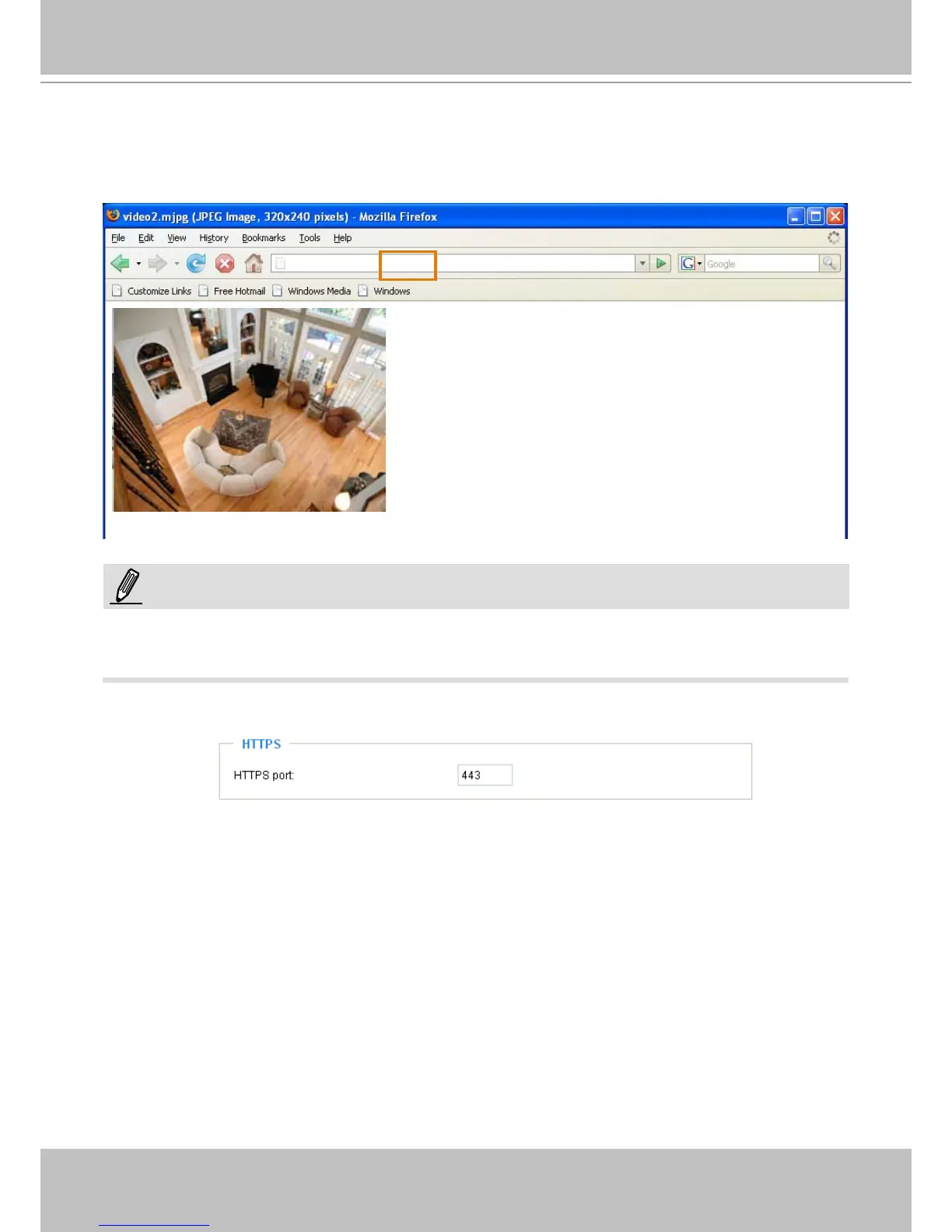
URL command -- http://<ip address>:<http port>/<access name for stream1 or stream2>
For example, when the Access name for stream 2 is set to video2.mjpg:
1. Launch Mozilla Firefox or Netscape.
2. Type the URL command in the address bar. Press Enter.
3. The JPEG images will be displayed in your web browser.
► Microsoft
®
Internet Explorer does not support server push technology; therefore, using http://<ip
address>:<http port>/<access name for stream1 or stream2> will fail to access the Network Camera.
HTTPS
By default, the HTTPS port is set to 443. It can also be assigned to another port number between 1025
and 65535.
http://192.168.5.151/video2.mjpg
NOTE:



 To Next Page