VIVOTEK
84 - User's Manual
Positions on the Home page
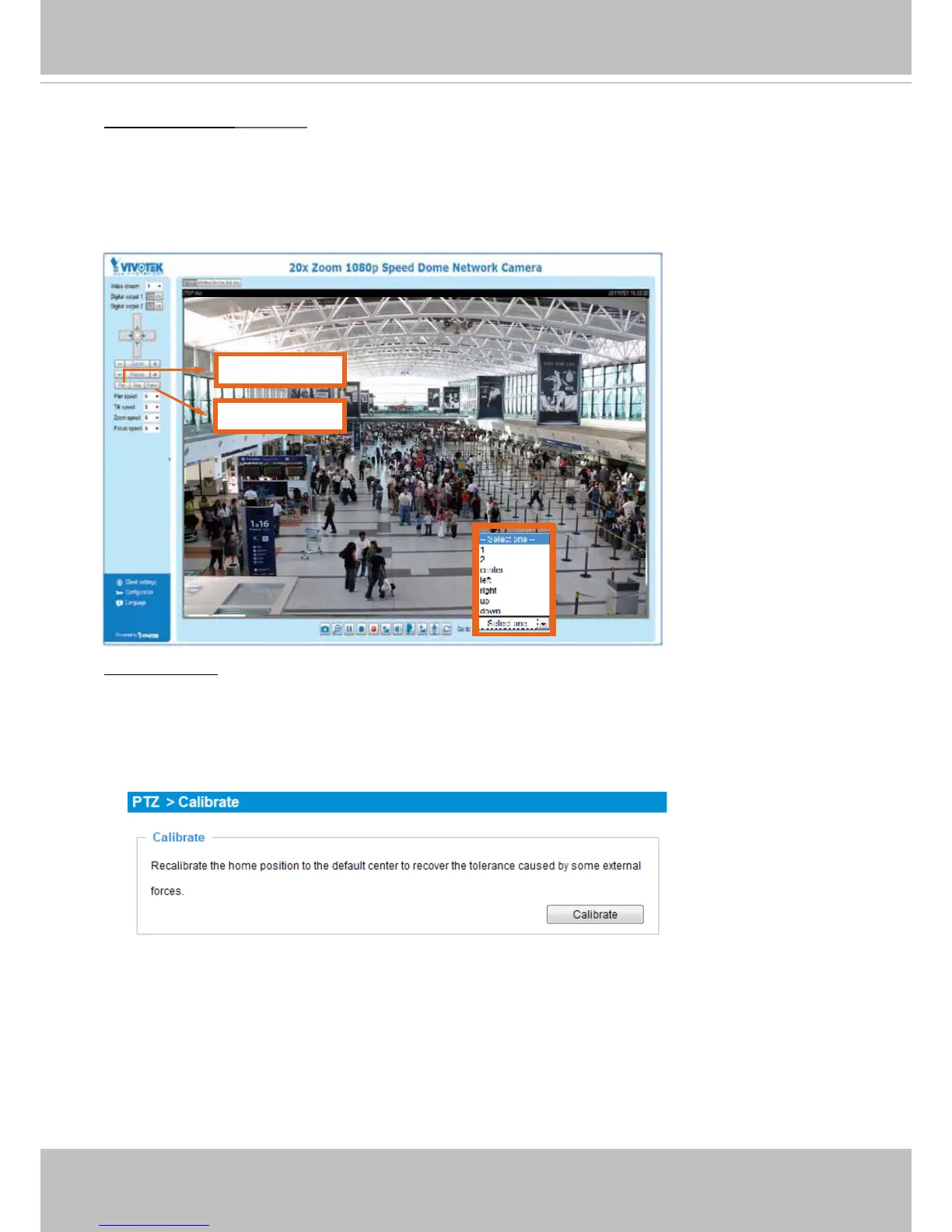
The Preset positions will also be displayed on the home page. Select one from the Go to drop-down
list, and the Network Camera will move to the selected preset position.
Patrol button: Click this button, then the Network Camera will patrol continuously among the selected
positions.
PTZ > Calibrate
This function re-calibrates the home position to the default center to recover any displacement caused by
external forces. Please note that there is no conrm message after using the function, and the calibration
immediately takes place. If, after a long use, a user nds it is difcult to move camera’s eld of view to a
specic point, use this function to restore the camera’s orginal coordinates in pan and tilt motions.
Pan button
Patrol button














 To Next Page