VIZIO VBR200W User Manual
Version 3/30/2010 13
www.VIZIO.com
Chapter 3 Using Your Player for the First Time
1. Insert batteries into the remote control.
2. Connect a TV to your player (see Connecting Equipment on page 14 for detailed steps).
3. Connect the power cord into an AC wall socket.
4. Turn on your player and TV.
5. Select the correct input on your TV for your player (i.e. HDMI, Component, AV, etc.).
6. Press
to open the disc tray, place a disc with the label side up and then press to close the
tray. The disc will start loading, and the main disc menu will appear or movie previews will begin
to play.
Connecting to the Internet
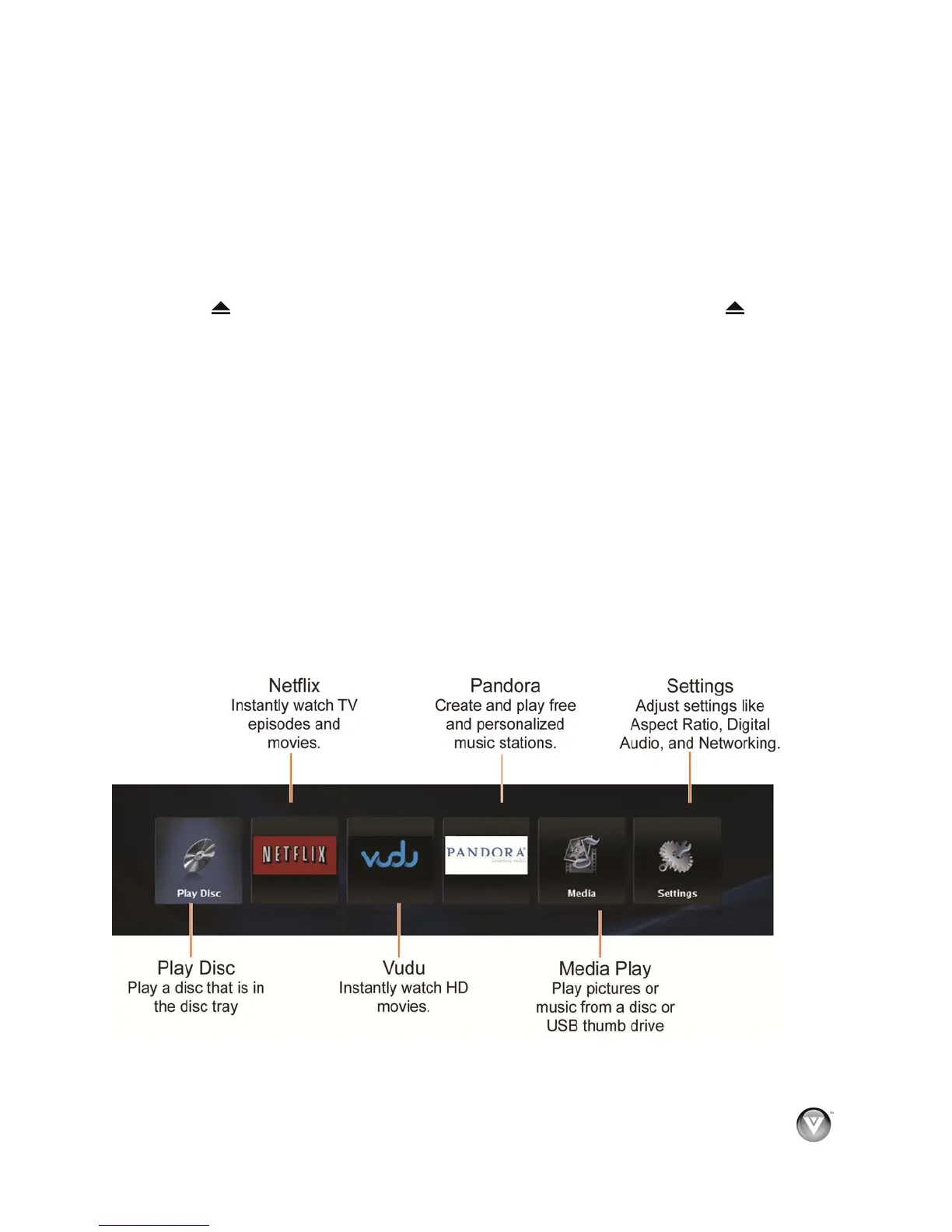
Your player delivers popular online content right to your TV! When you turn on your player or press
SETUP on your remote while a disc is playing, the Home menu appears in the middle of your screen with
a selection of different Apps that let you watch movies, TV shows, or listen to music, all on demand.
A high-speed Internet connection is required to receive automatic product updates and to access your
favorite online content. You have the option to connect your TV to the Internet with either wired
networking using an Ethernet cable (not included) or with wireless networking if you have a wireless
Internet connection. See Connecting to your home network on page 18 for detailed information on setting
up your Internet connection.
Exploring the Home Menu
When you turn on your player or press SETUP on your remote while a disc is playing, the Home menu
appears in the middle of your screen. Press ◄ or ► to scroll through all of the Apps. Press SELECT to
open an App.



 To Next Page