VIZIO VBR200W User Manual
Version 3/30/2010 39
www.VIZIO.com
Chapter 12 Maintenance and Troubleshooting
Maintenance
Cleaning the Housing and Remote Control
Use a soft cloth for cleaning.
Do not use chemicals or abrasive cleaners because they can damage the finish.
General guidelines
The top and back panels of your player may become hot after a long period of use.
Remove the disc and put your player into standby mode when you are not using your player.
Condensation
If condensation forms inside your player, your player will not work correctly. Turn on your player,
remove the disc, leave the tray open, and then leave your player on for two to three hours.
To minimize condensation problems, keep the power cord connected to a power outlet.
Storing discs
Do not store discs in a place that is exposed to direct sunlight or heat.
Do not store discs in a place that is exposed to moisture and dust, such as a bathroom or near a
humidifier.
Store discs vertically in their cases. Stacking discs or placing objects on discs when not in their
cases may cause warping.
Cleaning & Handling discs
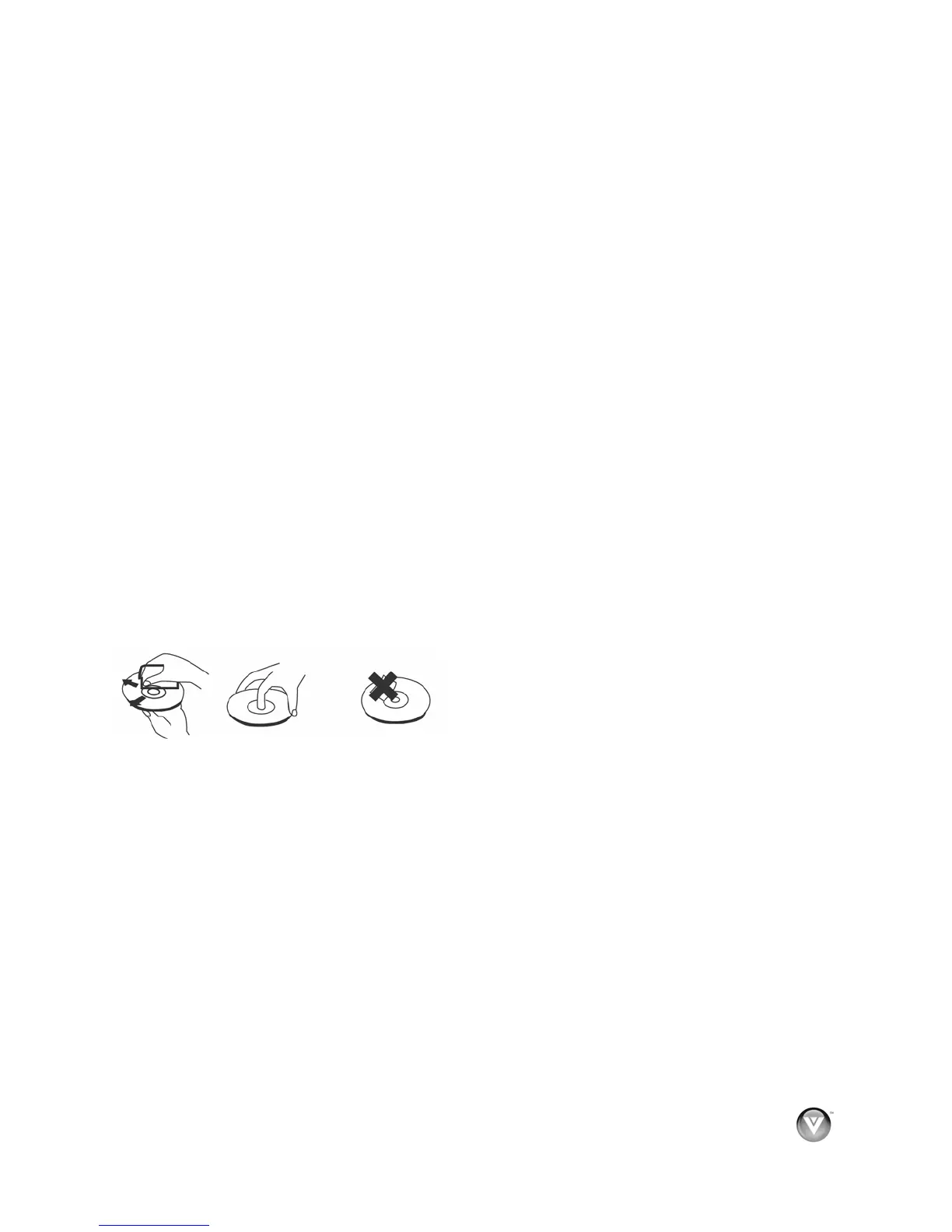
Before playback, wipe the disc outwards from the center (not in a circle) with clean, lint-free cloth.
To keep a disc clean, do not touch the play side of the disc.
Do not attach paper or tape to the disc.



 To Next Page