VIZIO VBR200W User Manual
Version 3/30/2010 15
www.VIZIO.com
Connecting to a TV
Using HDMI (Best)
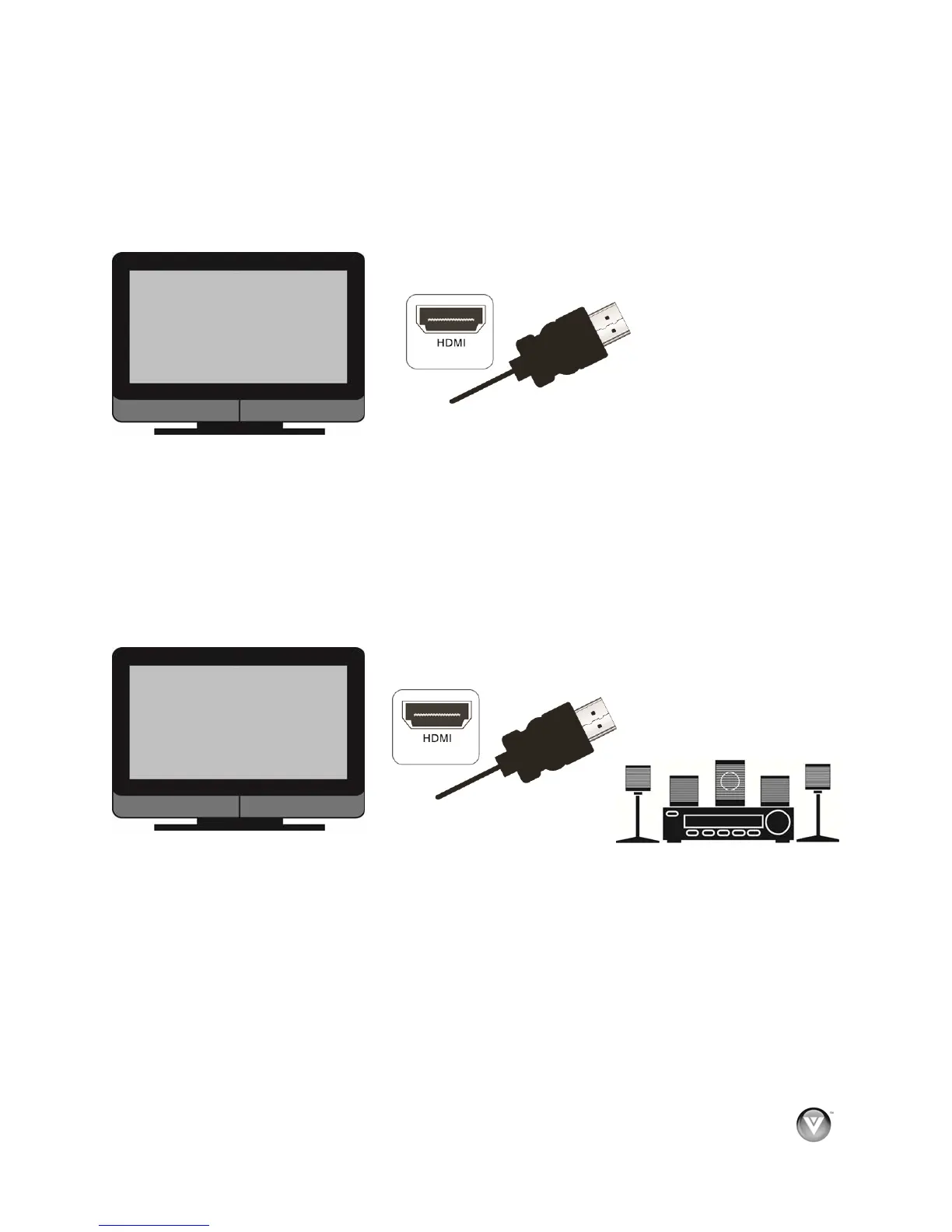
HDMI with no HDMI-capable home theater sound system
1. Connect an HDMI cable (not included) from the HDMI IN jack on your TV to the HDMI jack on
the back of your player.
2. Turn on the power to your player.
3. Select the corresponding HDMI input on your TV to view the disc.
HDMI with an HDMI-capable home theater sound system
1. Connect an HDMI cable (not included) from the HDMI jack on your player to the HDMI IN jack
on the home theater system.
2. Use another HDMI cable (not included) to connect the HDMI OUT on the home theater
system to the HDMI IN on the TV.
3. Turn on the power to your player.
4. Select the corresponding HDMI input on your TV to view the disc.



 To Next Page