6
WALL MOUNTING THE SOUND BAR (OPTIONAL)
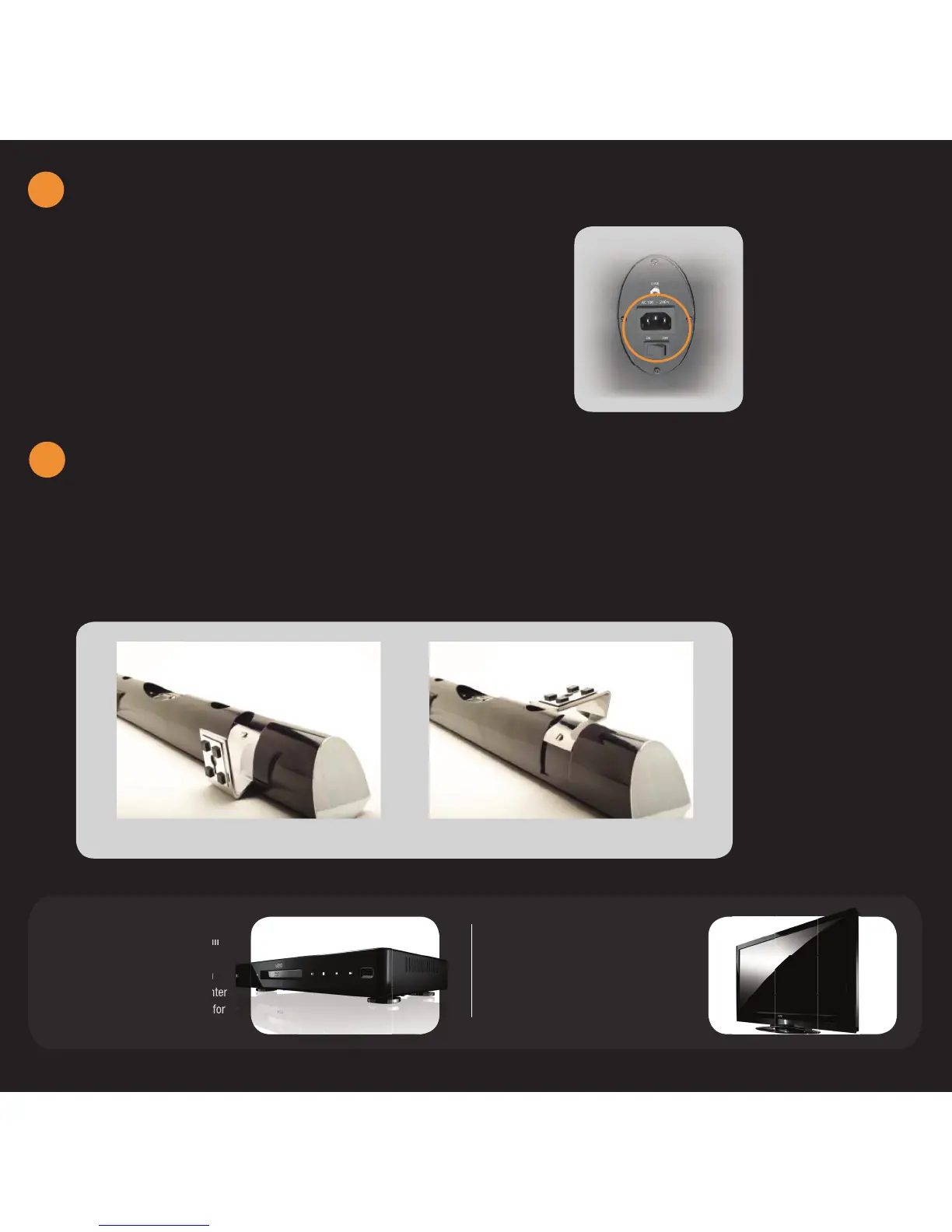
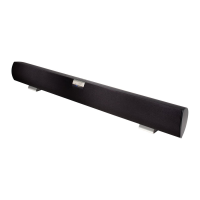
1. Remove the stands from their original con guration as shown in Figure 1.
2. Flip the stand over and re-attach to the Sound Bar as shown in Figure 2.
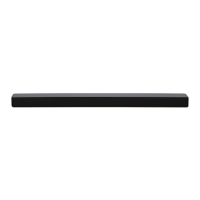
The Sound Bar can either be kept on the stand or mounted on the wall. If you choose to mount the Sound Bar on the wall,
follow the instructions below for removing the stand.
Figure 1 Figure 2
VIZIO BLU-RAY™ PLAYER
Bring your movies to life! 1080p Full
HD playback delivers crystal clear
images with lifelike detail and High
De nition Audio puts you in the center
of the action. Visit www.VIZIO.com for
more details.
VIZIO HIGH DEFINITION TVs
VIZIO offers the latest in HDTV
technologies. From 1080p to 240Hz,
you are guaranteed the best picture and
audio quality. Visit www.VIZIO.com for
more details.
5
CONNECT POWER - SUBWOOFER
4
1. Connect one end of the AC adapter into the 100-240V AC
jack on the back of the Subwoofer
2. Plug the other end into a wall outlet.
3. Turn the Power Switch to ON.


 To Next Page