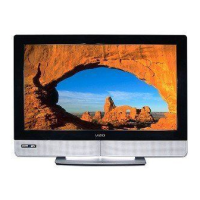
VlZlO VX32L HDTV10A User Manual
4,3 DTV / TV Input Rudio Rd]ustment
4,3°i Votome
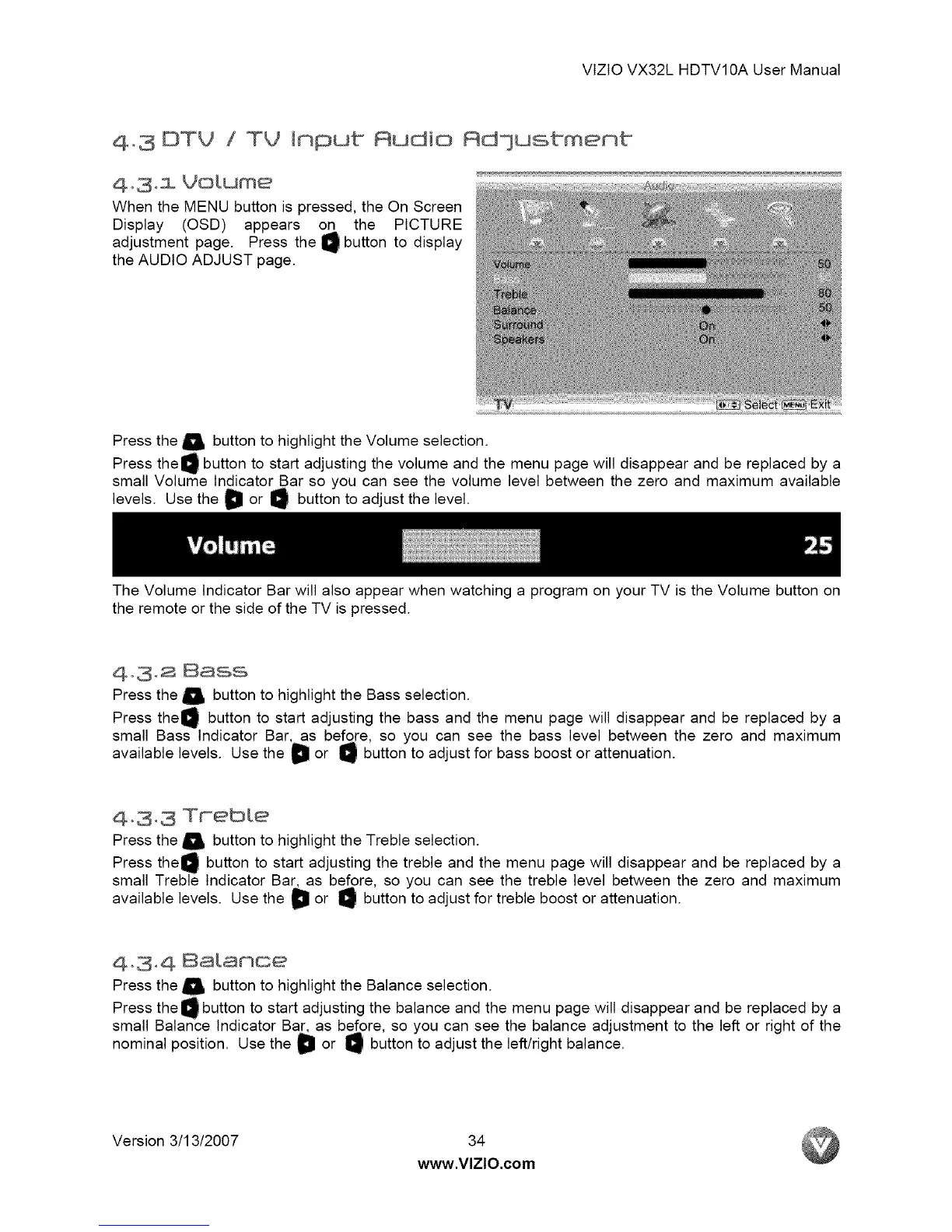
When the MENU button is pressed, the On Screen
Display (OSD) appears on the PICTURE
adjustment page. Press the _ button to display
the AUDIO ADJUST page.
Press the _, button to highlight the Volume selection.
Press the O button to start adjusting the volume and the menu page will disappear and be replaced by a
small Volume Indicator Bar so you can see the volume level between the zero and maximum available
levels. Use the D or O button to adjust the level.
The Volume Indicator Bar will also appear when watching a program on your TV is the Volume button on
the remote or the side of the TV is pressed.
Ao3,2 Bass
Press the _ button to highlight the Bass selection.
Press the_ button to start adjusting the bass and the menu page will disappear and be replaced by a
small Bass Indicator Bar, as before, so you can see the bass level between the zero and maximum
available levels. Use the D or _ button to adjust for bass boost or attenuation.
4-3,3 TFebte
Press the _ button to highlight the Treble selection.
Press the_ button to start adjusting the treble and the menu page will disappear and be replaced by a
small Treble Indicator Bar, as before, so you can see the treble level between the zero and maximum
available levels. Use the _ or _ button to adjust for treble boost or attenuation.
Ao3,A 8atamoe
Press the _ button to highlight the Balance selection.
Press the O button to start adjusting the balance and the menu page will disappear and be replaced by a
small Balance Indicator Bar, as before, so you can see the balance adjustment to the left or right of the
nominal position. Use the D or _ button to adjust the left/right balance.
Version 3/13/2007 34
www.VlZlO.com


 To Next Page
 Loading...