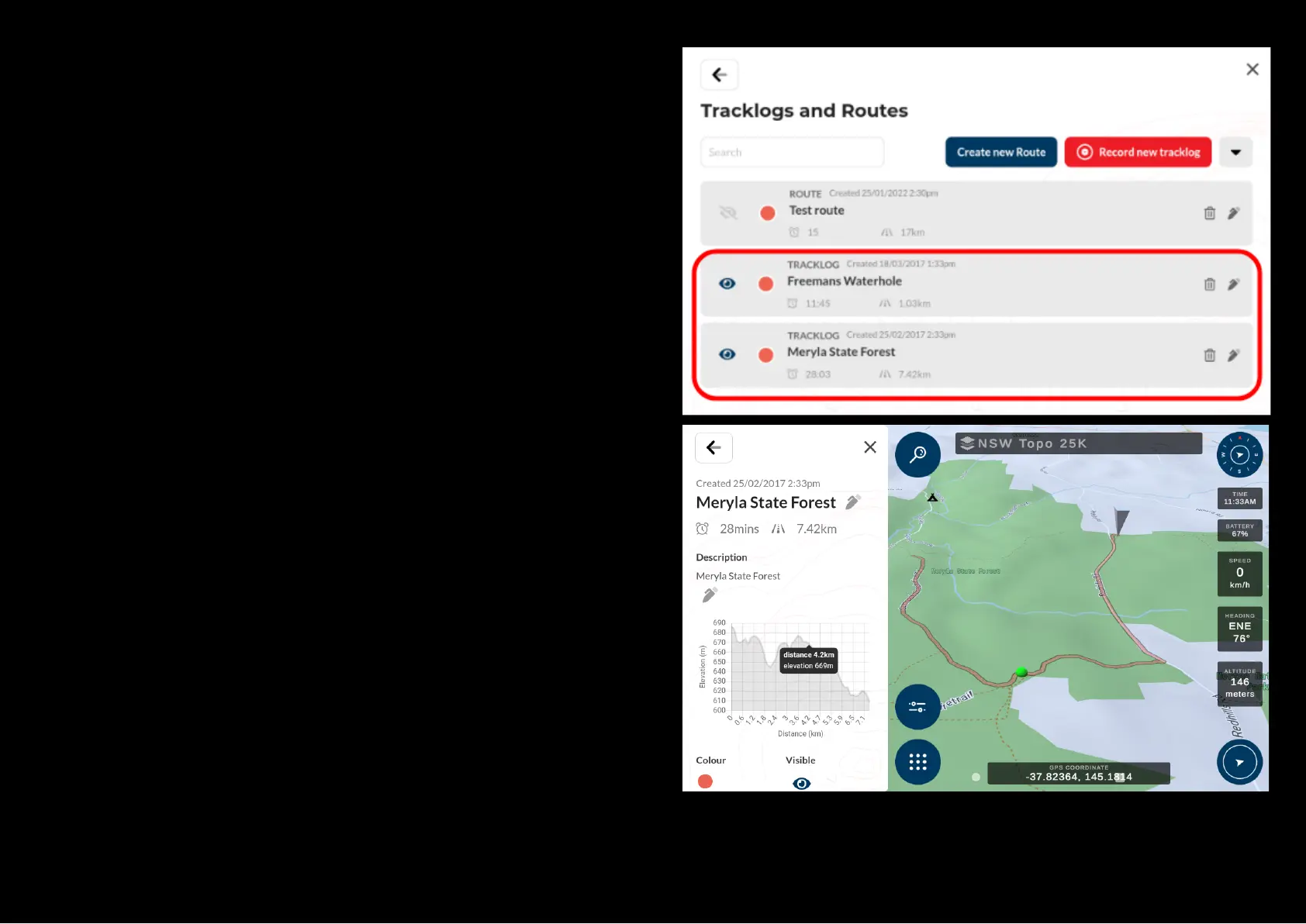
Accessing and modifying a tracklog
To access a previously recorded tracklog on the map, select the desired
tracklog on the map, select the desired tracklog from the list in the Tracklog
menu.
The tracklog menu will bring up a list of all the tracklogs you have created in
the past and active tracking as well, from here you can select the track log of
interest which you wish to view on the map or modify it’s details.
The tracklog information page will be displayed containing all the information
about the selected tracking.
You can modify following properties of the tracklog:
● Tracklog name
● Description
● Color of the tracklog
● Show or hide tracklog form the map screen


 To Next Page